22
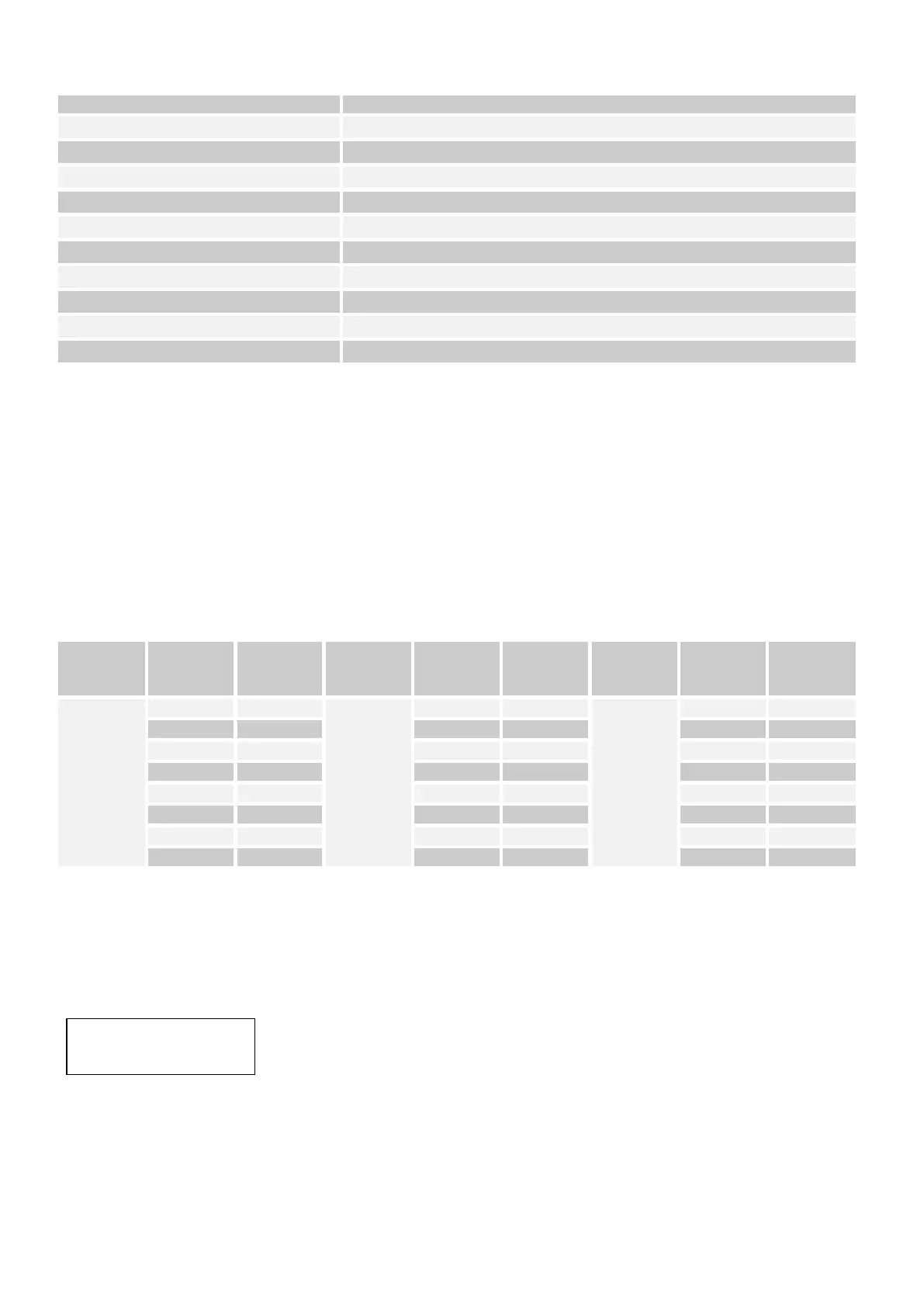
Table 2.4-1 (Menu Structure):
Reset to factory settings
03. Delete all Fixture patch
Clear all DMX assignments
05. RDM DMX Address setup
08. Send fixture Update file
2.4.2 Individual assignment of DMX-Start-Addresses:
Before you begin, you must set the DMX start addresses of the headlights. It is possible to control up to 24
spotlights each with up to 26 channels "ShowCotrol".
For the start address setting, you can use the default values of the console (see Table 2.4-2) or assign the start
addresses individually.
The "SHOWControl" assigns its DMX start addresses in 26 steps. This means that the devices must be set to the
corresponding start address so that the channel assignment of the faders is exactly correct. Devices which get the
same start address, of course, work synchronously (example: device 1 and 2 are both set to start address 1).
Table 2.4-2 (Standard Patching):
It is only useful to consider the actual DMX channels of the headlights so that the 512 DMX addresses are not
exceeded.
1. Press and hold the / MENUS / key until the display shows 01. Patch fixture.
2. Press the / ENTER / -Key. The display shows "PLEASE SELECT FIXTURE"
3. Use / FIXTURE / -Keyn to select the first spotlight that has a DMX start address
(LED is lit). The display shows: e.g.
4. Change the start address with the PAN dial and press the / ENTER / - key to save the setting. To confirm the
operation, all the LEDs on the controller flash three times. If the display shows behind the set start address "!",
There is an overlap in the DMX addresses.
5. Repeat steps 3 and 4 for additional headlights. Please note that the 24 front lights are distributed on 3 sides. If
necessary, switch to the key / PAGE / between the device pages. The LEDs A, B and C indicate which side is
selected
DMX START ADDR
FIX:01 ADR:001



 To Next Page