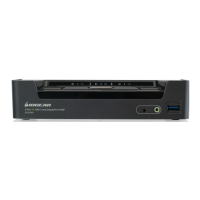
Simply press the front panel Pushbutton from the multimedia KVMP switch or trigger hotkeys from your
keyboard.
Port Switching via Front Panel Pushbutton
Function Description
Switch all focus (KVM, audio and USB)
to a specic port
Press the correspond push button once for the desire port
that you wish to switch focus to.
Switch KVM focus to a specic port Press the Mode button once (Orange LED will show you
are in KVM Mode), then press the correspond push button
for the desire port that you wish to switch focus to.
Switch audio focus to a specic port Press the Mode button twice (Orange LED will show you
are in Audio Mode), then press the correspond push button
for the desire port that you wish to switch focus to.
Switch USB focus to a specic port Press the Mode button three times (Orange LED will show
you are in USB Mode), then press the correspond push
button for the desire port that you wish to switch focus to.
18
Port Switching



 To Next Page
 Loading...