To upgrade your rmware:
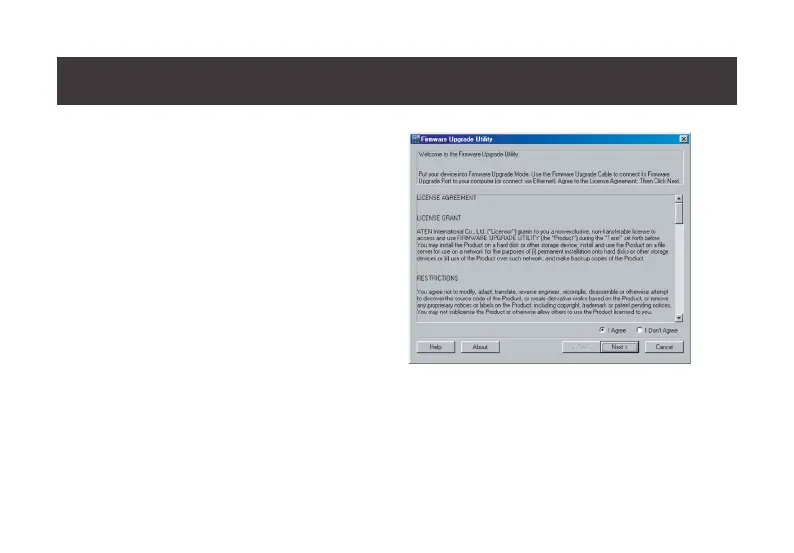
1. Run the downloaded Firmware Upgrade Package le
– either by double clicking the le icon, or by opening
a command line and entering the full path to it.
The Firmware Upgrade Utility Welcome screen
appears:
2. Read the License Agreement (enable the I Agree
radio button).
3. Click Next to continue. The Firmware Upgrade
Utility main screen appears:
28
Starting the Upgrade



 To Next Page