32
Upgrade Fail
If the Upgrade Succeeded screen doesn’t appear, it means that the upgrade failed to complete successfully,
in which case you should do the following:
1. Power off the GCS1642 / GCS1644 by removing the power jack.
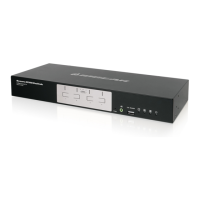
2. Invoke Firmware Upgrade Mode by holding down the Mode button on the front panel (see Mode button,
page 6 & 8) and power on the GCS1642 / GCS1644. The orange LEDs ash together.
3. Do the rmware upgrade procedure again.



 To Next Page