11
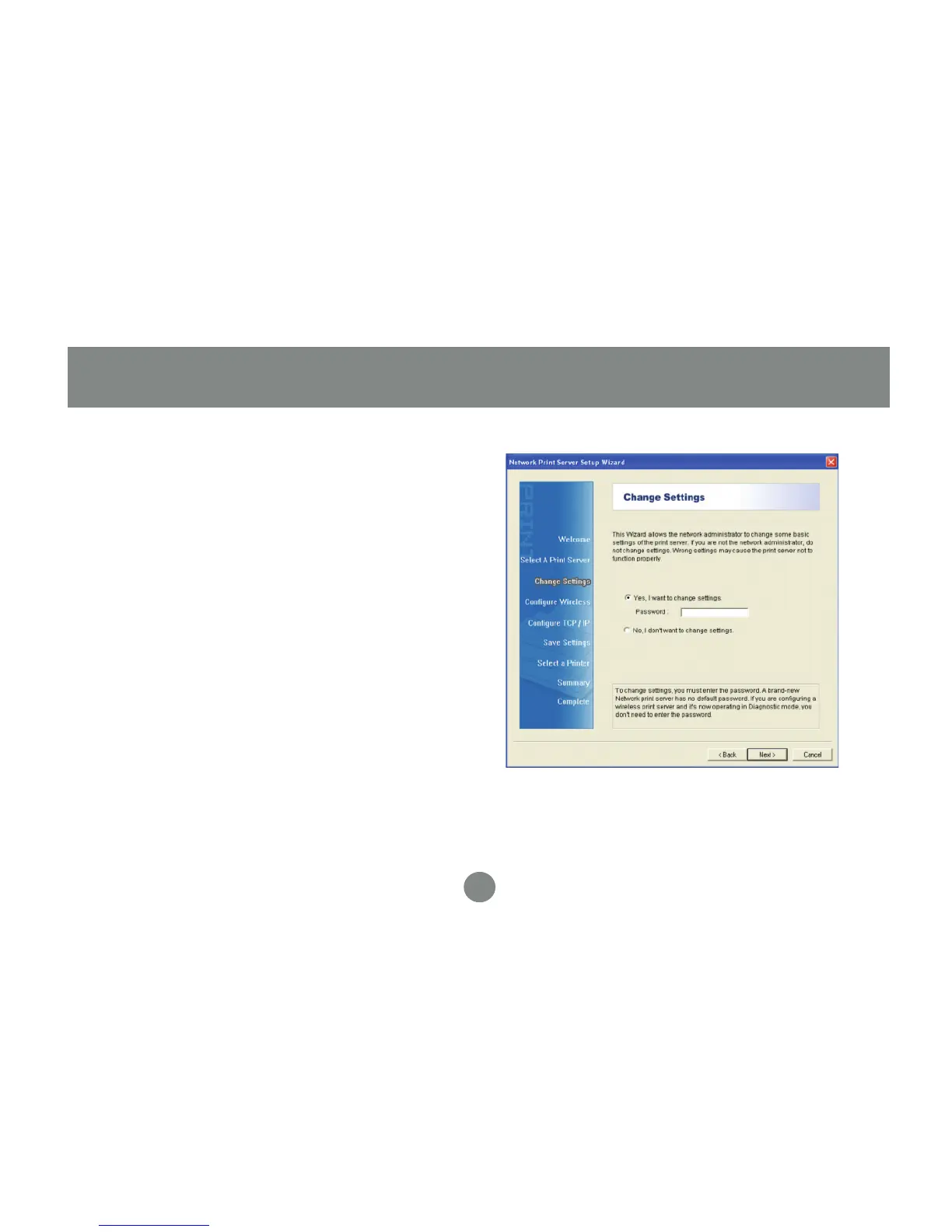
Changing the network settings of the
print server to a fixed IP address is not
necessary but will provide more stability in
the event of a power outage, and can be
useful if you are setting up IPP to print over
the internet. Click Next and skip to step 7
if you do not need to specify an IP address,
otherwise select the option to change
settings (no password is needed by default)
and then click Next.
4.
Software Installation - Windows


 To Next Page