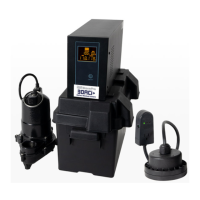
ION F10 850VA
User Guide
9
1
5
7
8
2
3
6
4
5. Input power cord
Connect to ulity power.
6. USB Communicaon Port
This port allows connecon and communicaon
from the USB port on the computer to the UPS
unit.
7. Communicaon Protecon Ports (RJ45&RJ11)
Communicaon protecon ports will protect any
standard modem, fax, telephone line, or network
cable.
8. Input Circuit Breaker
The Circuit Breaker provides opmal overload
protecon.


 To Next Page