26
SCHACHTELINHALT
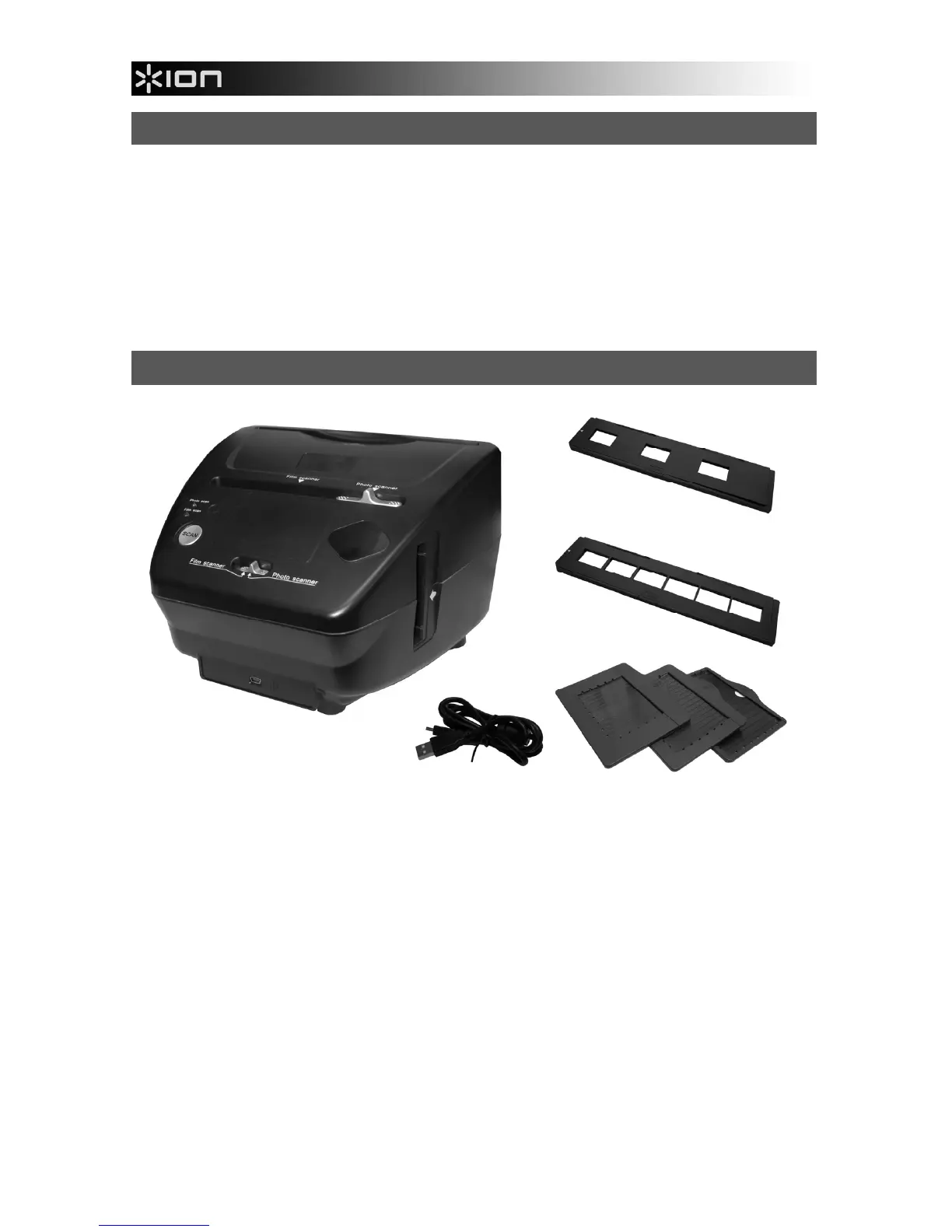
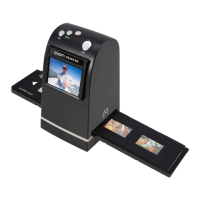
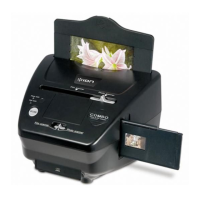
PICS 2 PC
Treiber-/ Programm-CD
USB-Kabel
Diahalter
Filmhalter
Fotohalter (3)
Schnellanleitung
Sicherheitshinweise & Garantiebestimmungen
PICS 2 PC - FUNKTIONSELEMENTE
1. SCAN-TASTE
2. SCANNER-MODUS
SCHALTER
3. SCHLITZ F. FILM-/
DIAHALTER
4. SCHLITZ F.
FOTOHALTER
5. USB-ANSCHLUSS
6. USB-KABEL
7. DIAHALTER
8. FILMHALTER
9. FOTOHALTER
3,5" x 5" (8,9 cm x 12,7 cm)
4" x 6" (10,2 cm x 15,2 cm)
5" x 7" (12,7 cm x 17,8 cm)
Hinweis: Bitte sicherstellen, dass alle Filmnegative / Dias und Objektträger sauber sind, bevor sie in den
Scanner eingeführt werden. Staub oder Schmutz beeinträchtigen die Qualität der gescannten Bilder.
1
2
2
3
4
5
6
7
8
9


 To Next Page