3. HAE Mount Assembly
HAE is operated under unbalanced condition and could be tipped over if tripod is not secured.
Step 1. Set up tripod
Setup and level the tripod. Adjust the tripod height. Tighten tripod locking knob to secure the tripod.
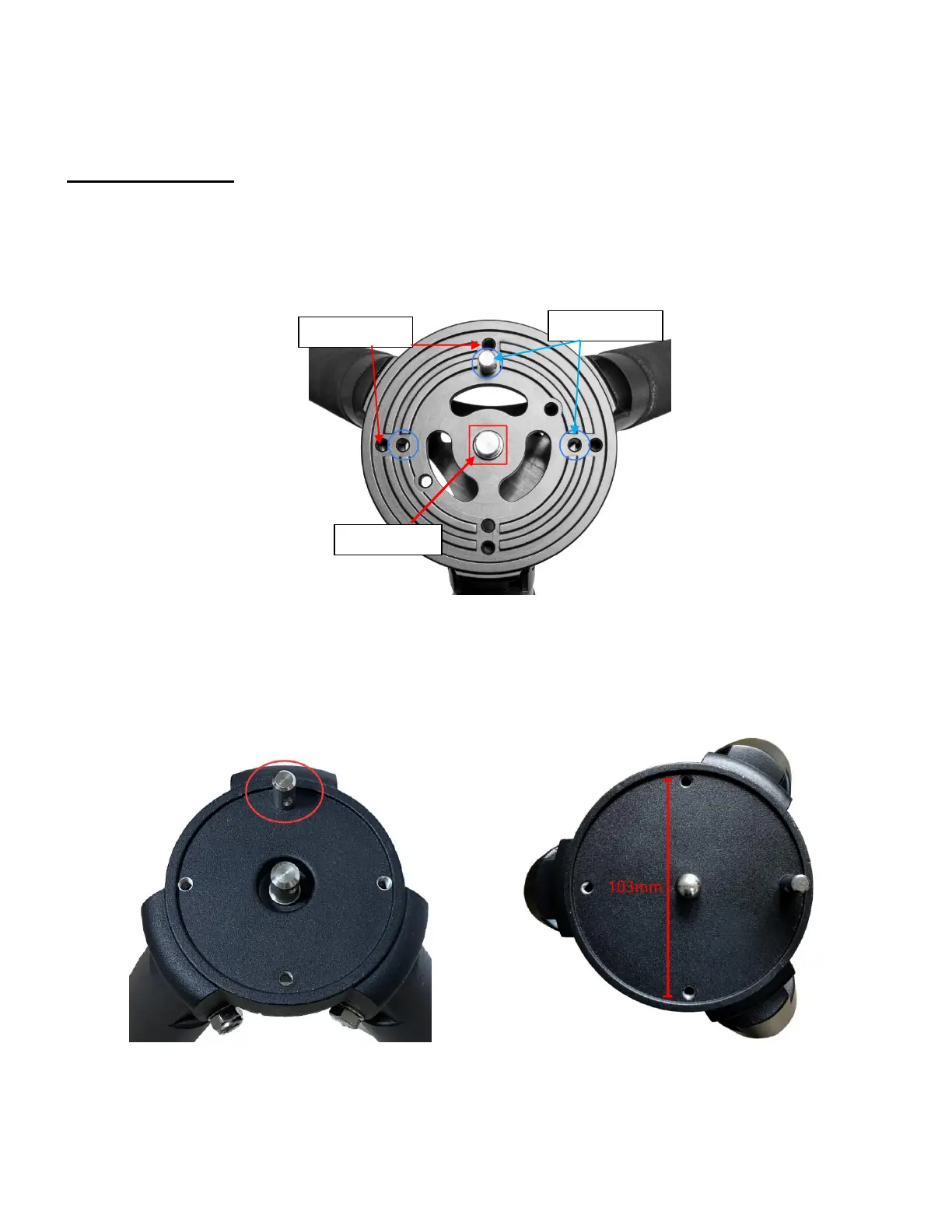
Thread the Alignment Peg onto the tripod head, on top of a tripod leg, or between two legs. Insert the
Accessory Tray through the center rod and secure the setup by tightening Locking Knob from underneath.
Shown below is a carbon fiber tripod which can be sued for multiple mounts.
Figure 9. Carbon fiber tripod
Other tripods, such as a LiteRoc tripod for CEM26/GEM28 (right) can be used for HAE29, and a
tripod for CEM40/GEM45 (left) for HAE 43.
Figure 10. LiteRoc tripods



 To Next Page