The steps are briefly outlined below:
Download and install iPolar Software (first time use)
https://www.ioptron.com/v/firmware/3339_iOptron_iPolar.exe;
Connect a miniUSB cable between the iPolar USB port and a computer USB port;
Click Connect and start polar alignment by following onscreen instructions.
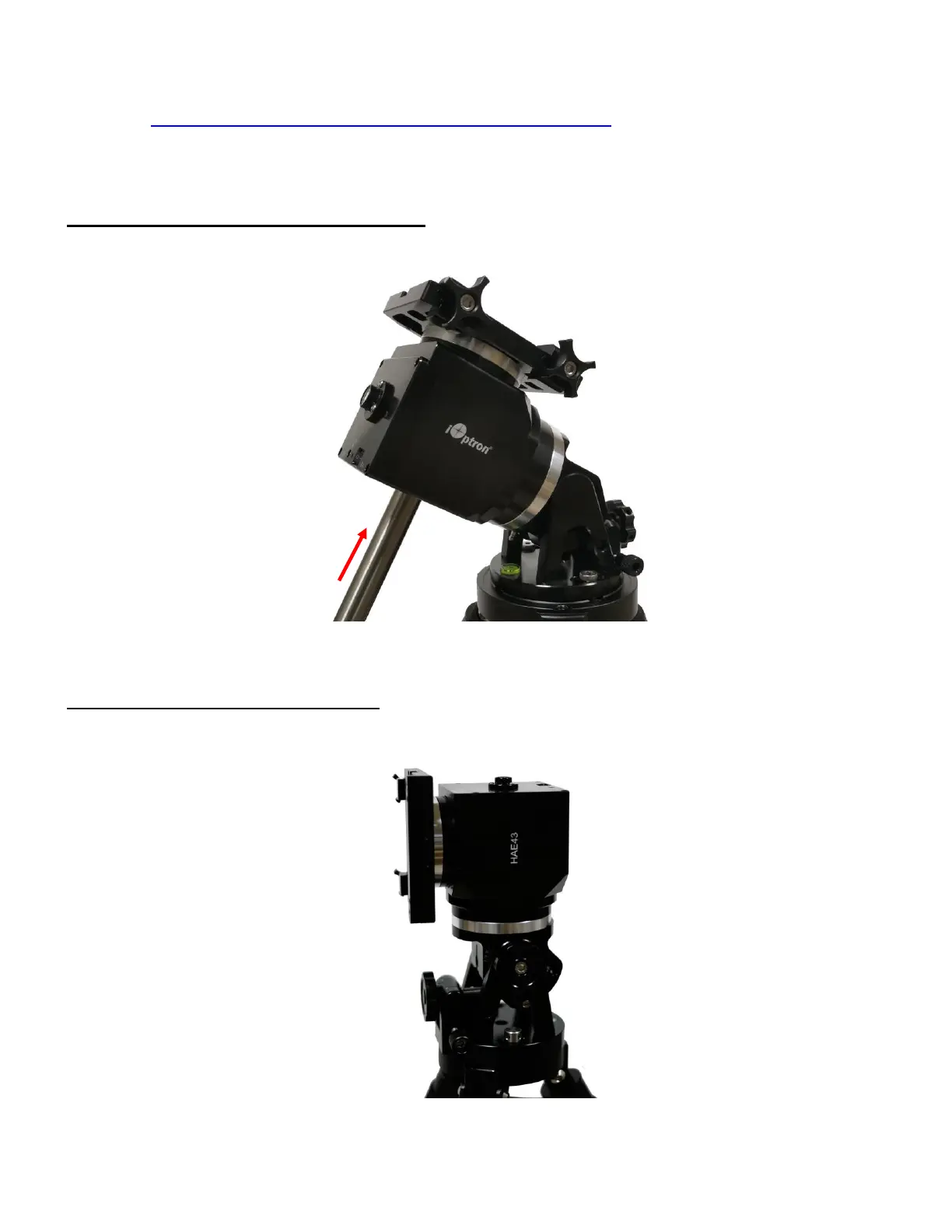
STEP 9. Install counterweight bar and CW: The mount is designed to operate without a counterweight
(CW). If you want to use an optional CW, the CW shaft mounting hole is 3/8”-16 threaded. Thread in a CW
shaft and install a 10 lbs CW.
Figure 19 Install CW shaft and a 10lbs CW
STEP 10. Set the mount in AA mode: An HAE mount can be set as either EQ or AA mode. To set the
mount to operate in AA mode:
1. Adjust the mount latitude to 0 degree by following Step 3.



 To Next Page