Press ◄ or ► key to move the cursor and using ▲ or ▼ key to toggle between “W” and “E”, “N” and
“S”, using number key to change the numbers. It is always a good idea to do your home work to get the
GPS coordinates before traveling to a new observation site.
The site coordinates information can be found from your smart phone, GPS receiver or via the
internet. Site information in decimal format can be converted into d:m:s format by multiplying the decimal
numbers by 60. For example, N47.53 can be changed to N47º31'48”: 47.53º = 47º +0.53º,
0.53º=0.53x60'=31.8', 0.8'=0.8x60"=48". Therefore, 47.53º=47º31'48" or 47d31m48s.
Enter Time and Site Info by Sync with your SmartPhone
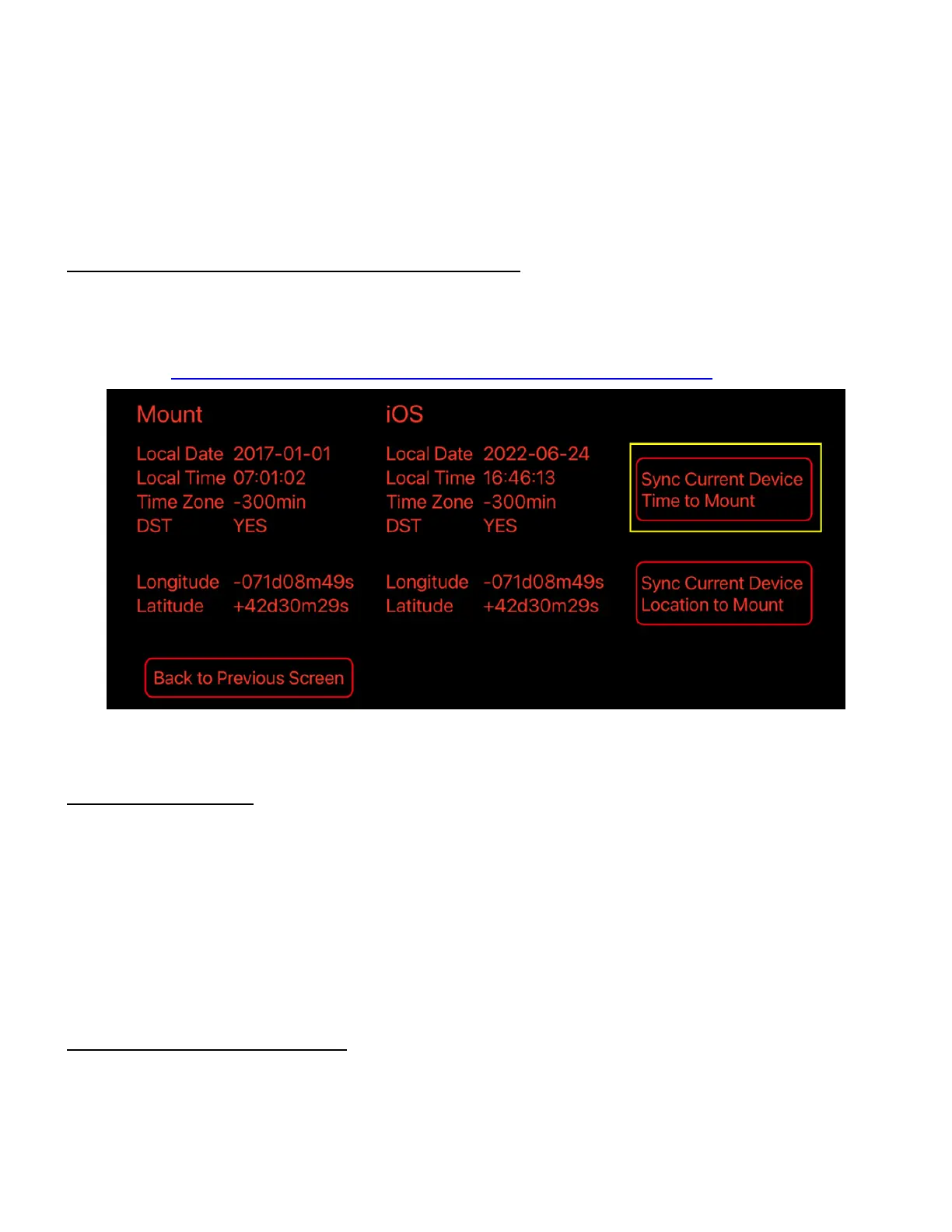
When iOptron Commander Lite is in action (WiFi version ASCOM, or iOS/Android App), one may
easily import the GPS info from a smartphone into the mount/hand controller. There is no worry about
lacking internet, WiFi, or cell phone signals in rural areas; Commander Lite can always get GPS info from a
smartphone to the HAE mount/hand controller, no dead corner. Please refer to iOptron Commander Lite for
more details (https://www.ioptron.com/v/ASCOM/iOptronCommanderLiteAppNote.pdf).
Figure 13. Sync Time and Site info from iOptron Commander Lite to the HAE mount
Select N/S Hemisphere
The northern/southern hemisphere will be determined by your latitude coordinate, with one
exception. If you are near the equator (within +/- 10°), you can choose your own N/S setting.
If the polar axis is aligned to the North Celestial Pole, then set the mount to Northern Hemisphere. If
the polar axis is pointing to the South Celestial Pole, set the mount to Southern Hemisphere. Press the ◄ or
► key to move the cursor and use the ▲ or ▼ key to toggle between “Northern Hemisphere” and “Southern
Hemisphere”.
The site information is stored inside the hand controller’s memory chip. If you are not traveling to
another observation site, they do not need to be changed.
Check the Hand Controller Battery
There is a real time clock in the hand controller. If the hand controller has lost its date and time,
please check the battery.



 To Next Page