STEP 8. Perform polar alignment
BrightStar Polar Alignment
If your mount does not have an iPolar installed, or the pole star is not in sight, you may use two
bright stars with Polar Iterate Align to perform a coarse polar alignment.
(1) Level the mount and set it to the Zero Position. Align the telescope to the R.A. axis of the mount.
If a finder scope is used, adjust it to be parallel to the telescope optical axis.
(2) Use the HC (MENU => “Alignment” => “Polar Iterate Align”) to display the azimuth and altitude
position of several bright stars near the meridian. Select one that is visible at a high altitude as
Alignment Star A. Follow the HC instruction to move Alignment Star A to the center of the
eyepiece using a combination of the Latitude Adjustment Knob and the “◄” or “►” buttons.
Press ENTER to confirm when the star is centered. Next, select a bright star that is close to the
horizon as Alignment Star B. Center it using the Azimuth Adjustment Knob and the “◄” or “►”
button (the “▲” and “▼” buttons are not used here). Press ENTER to confirm the settings.
(3) The telescope will now slew back to Alignment Star A. Repeat the steps above. The iteration can
be stopped when it is determined that the alignment error has been minimized. Press the BACK
button to exit the alignment procedure.
Both Azi and Lat. Locking screws/knobs need to be slightly loosened in order to adjust the mount.
Make sure to tighten them when done.
NOTE: It is highly recommended to use an eyepiece with an illuminated crosshair for accurate centering.
NOTE: The movement of the alignment star in your eyepiece may not be perpendicular depending on its
location in the sky.
Use Software for Polar Alignment
There are quite a few software can perform polar alignment, such as PHD2 autoguiding software.
You may choose one you are familiar with it.
iPolar Polar Alignment
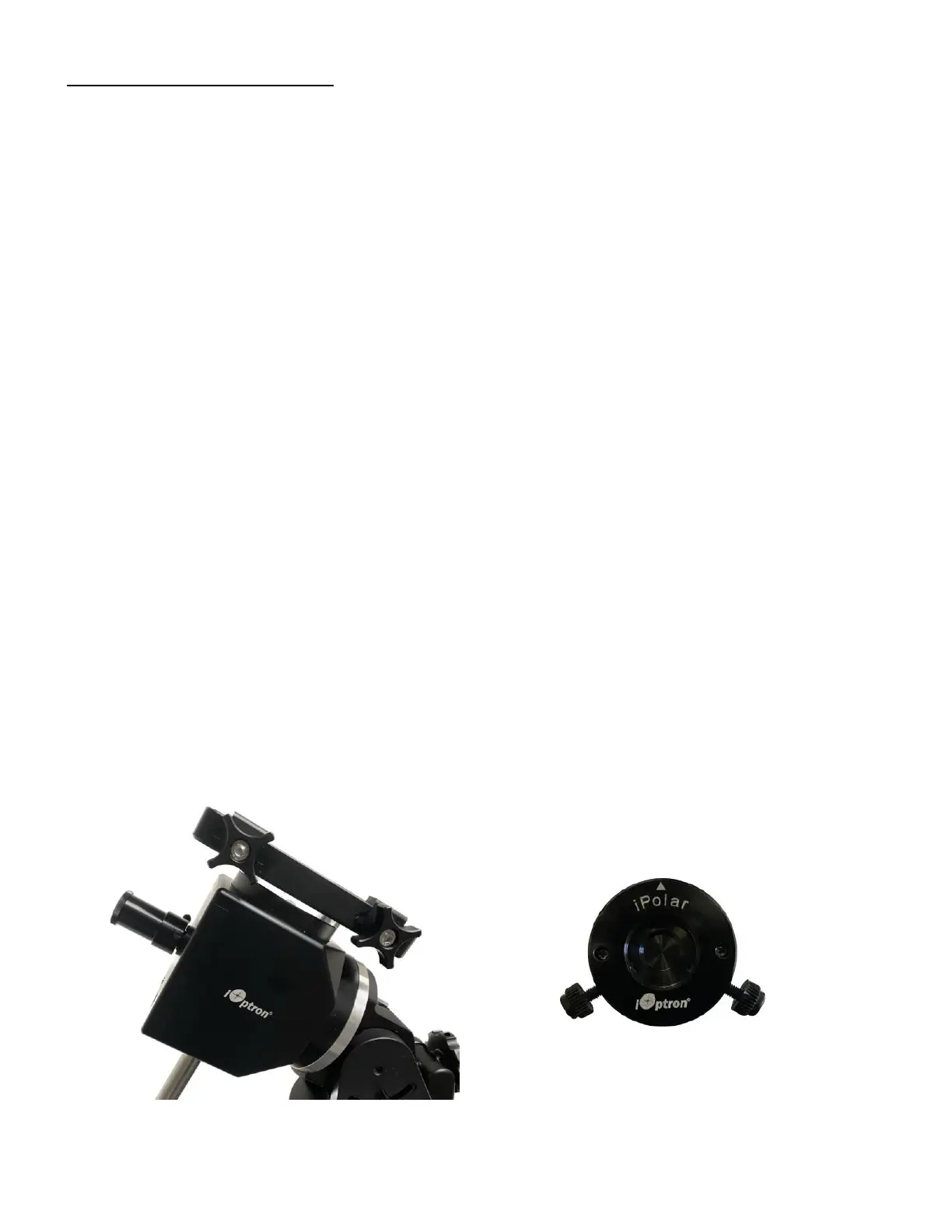
An HAE69 may use an external iPolar
TM
electronic polar scope. Just place the iPolar over the bubble
level on top of the mount and secure the thumb screws. Make sure that the arrow key is facing upward.
Figure 14. Install an external iPolar on an HAE mount



 To Next Page