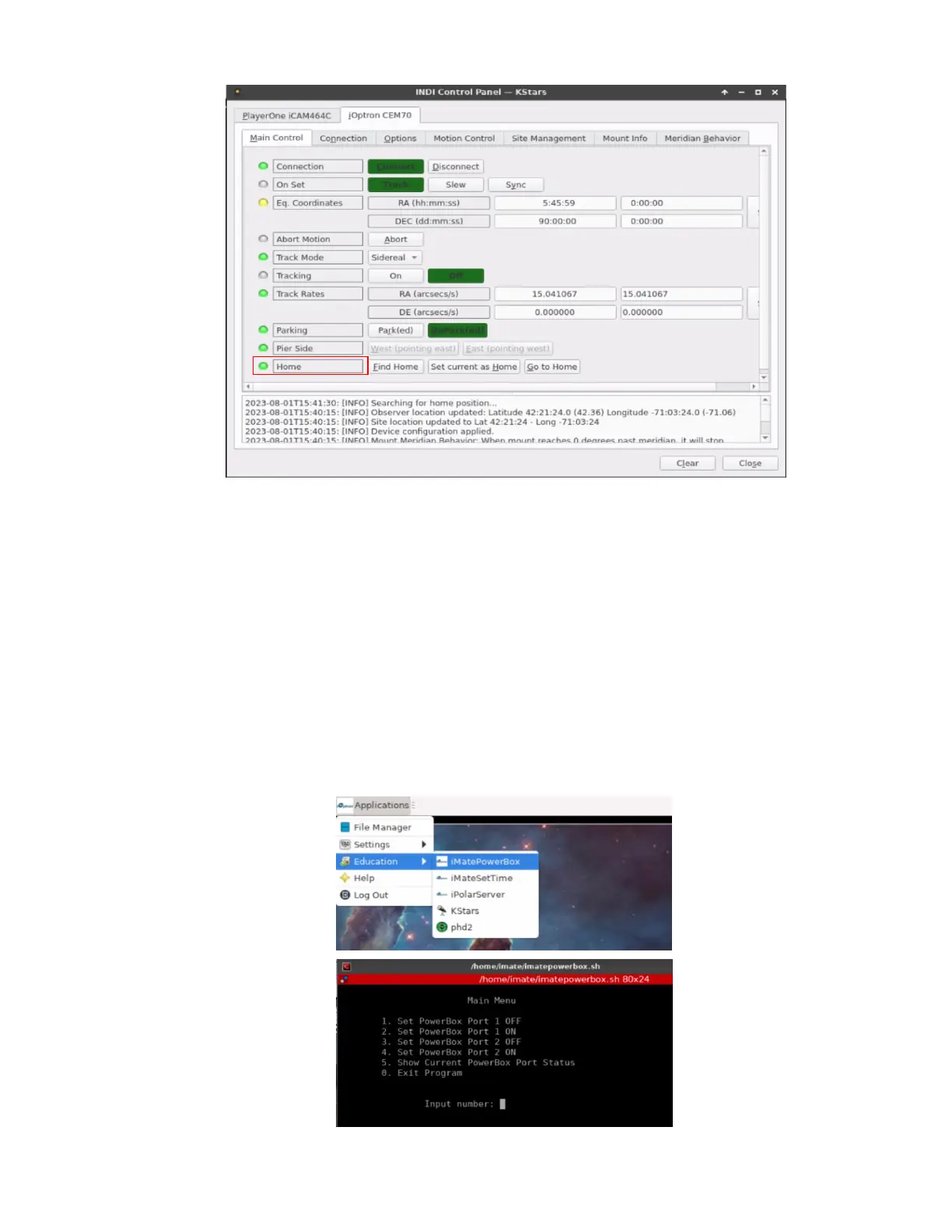
2.3.4. Add Other Devices
Please refer to full KStars/Ekos User Manual for more details.
2.3.5. Polar Alignment
One may use external iPolar, Palar Alignment routine in KStars/Ekos, or a third party software for polar
alignment.
2.4. Other iMate Functions
2.4.1. iMate DC Power Output Control
iMate has three (3) DC12V outputs. DC3 is always on. DC2 and DC1 can be programmed ON/OFF.
From iOptron Applications pull down menu to select Education =>iMatePowerBox. This will bring up the
imatepowerbox screen.


 To Next Page