11
4.5. Adjust Mount RA Axis
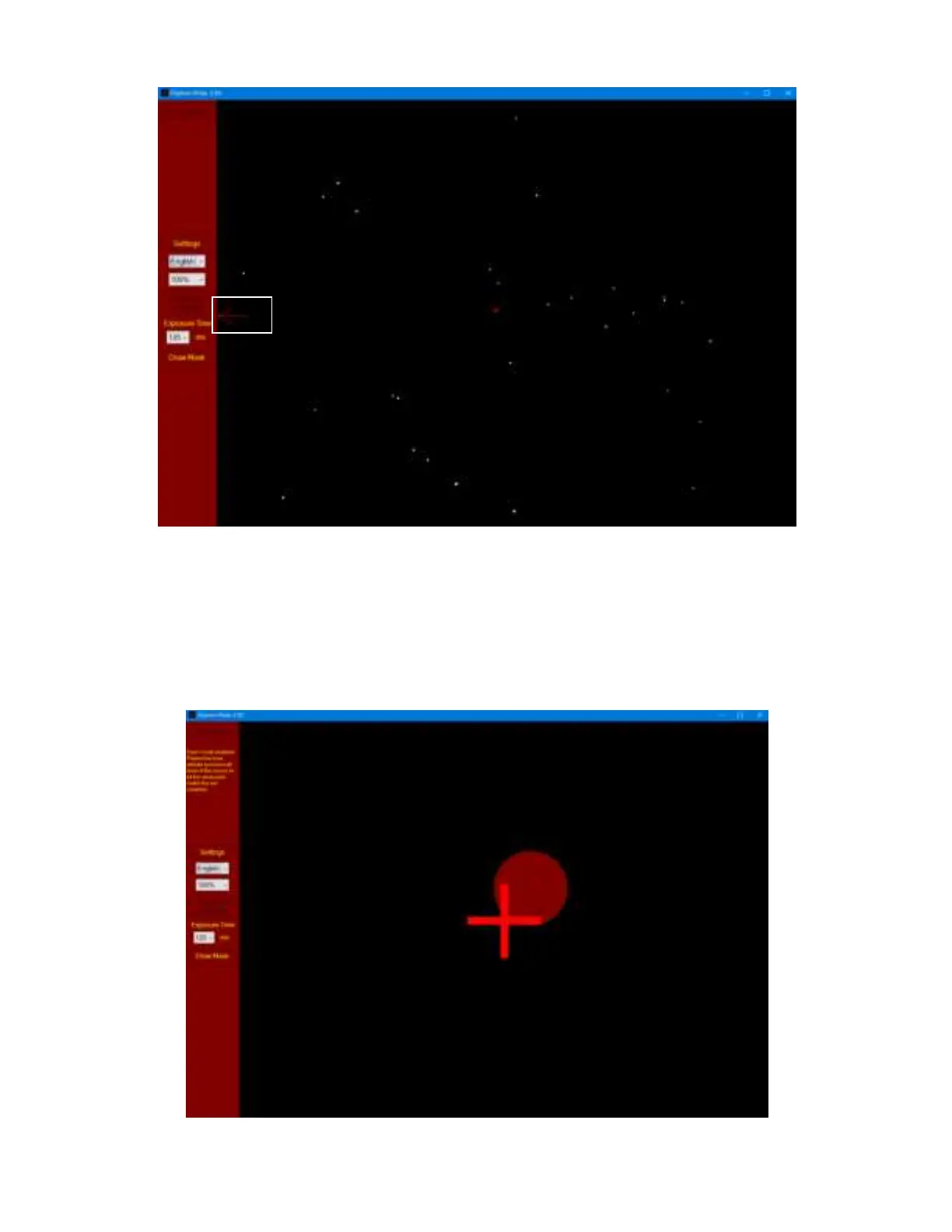
Adjust the mount using altitude/azimuth adjustment screws to move the virtual pole (maroon circle)
towards the center of camera (red cross). When they are close enough, the software will be in the
zoom mode for easy adjustment.
NOTE: It is suggested to set the mount to Zero Position so the virtual pole movement direction
corresponds to the alt/azi adjustment.



 To Next Page