12
4.6. Complete Polar Alignment
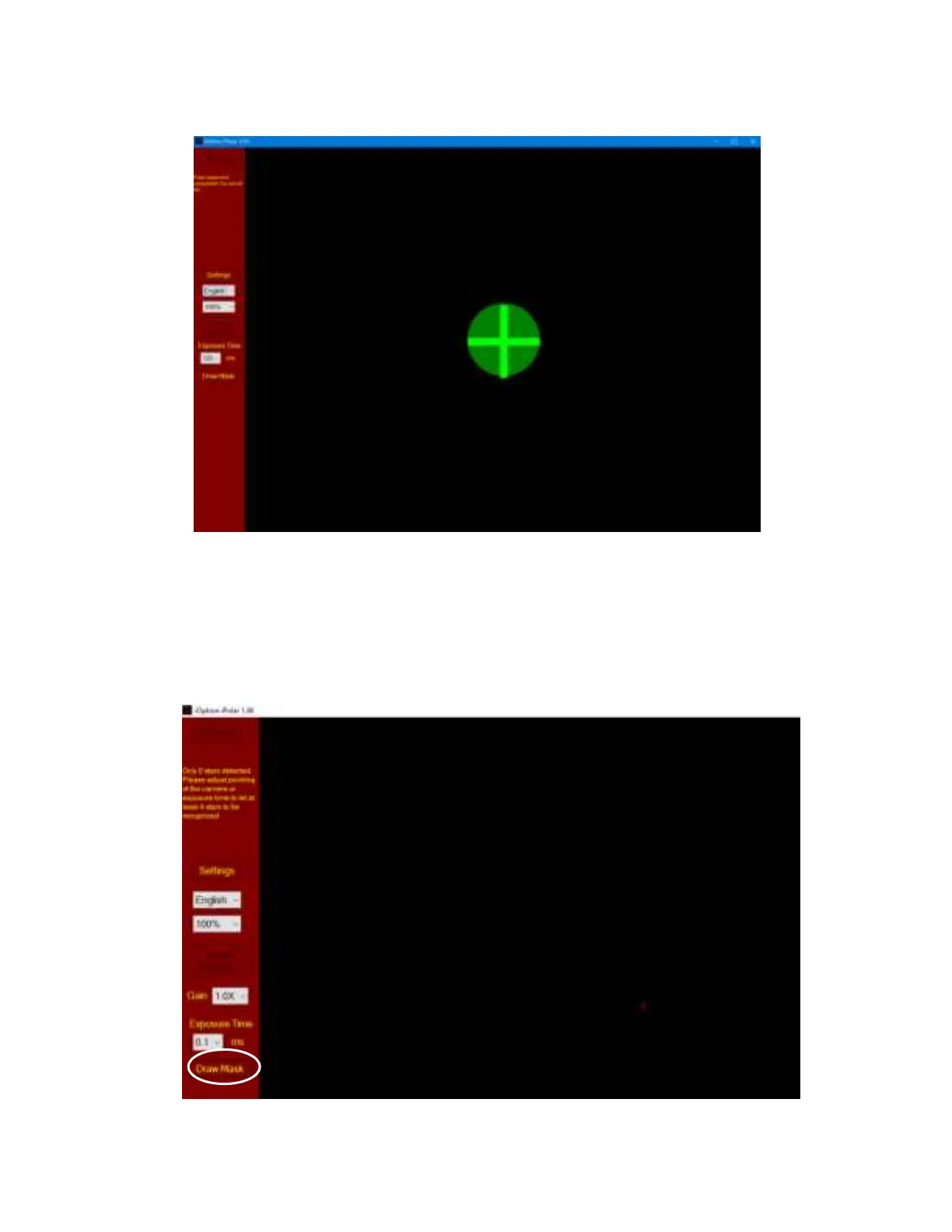
When the circle overlaps the cross, they will change to green and the polar alignment is completed.
5. Draw Mask
If there are some tree branches or part of the building get in front of the iPolar camera (click on
Settings=>RAW image to check), you may use the Draw Mask function to cover those part from
plate solving (uncheck RAW image before masking):
(1) Click on Draw Mask



 To Next Page