4-14 Configuring Ethernet Models 640e & 650e 947291 640 & 650 Series
Connecting Data Acquisition Signal Lines
Prior to making signal connections review the Specifications chapter to ensure that signal inputs do not
exceed the specified limits.
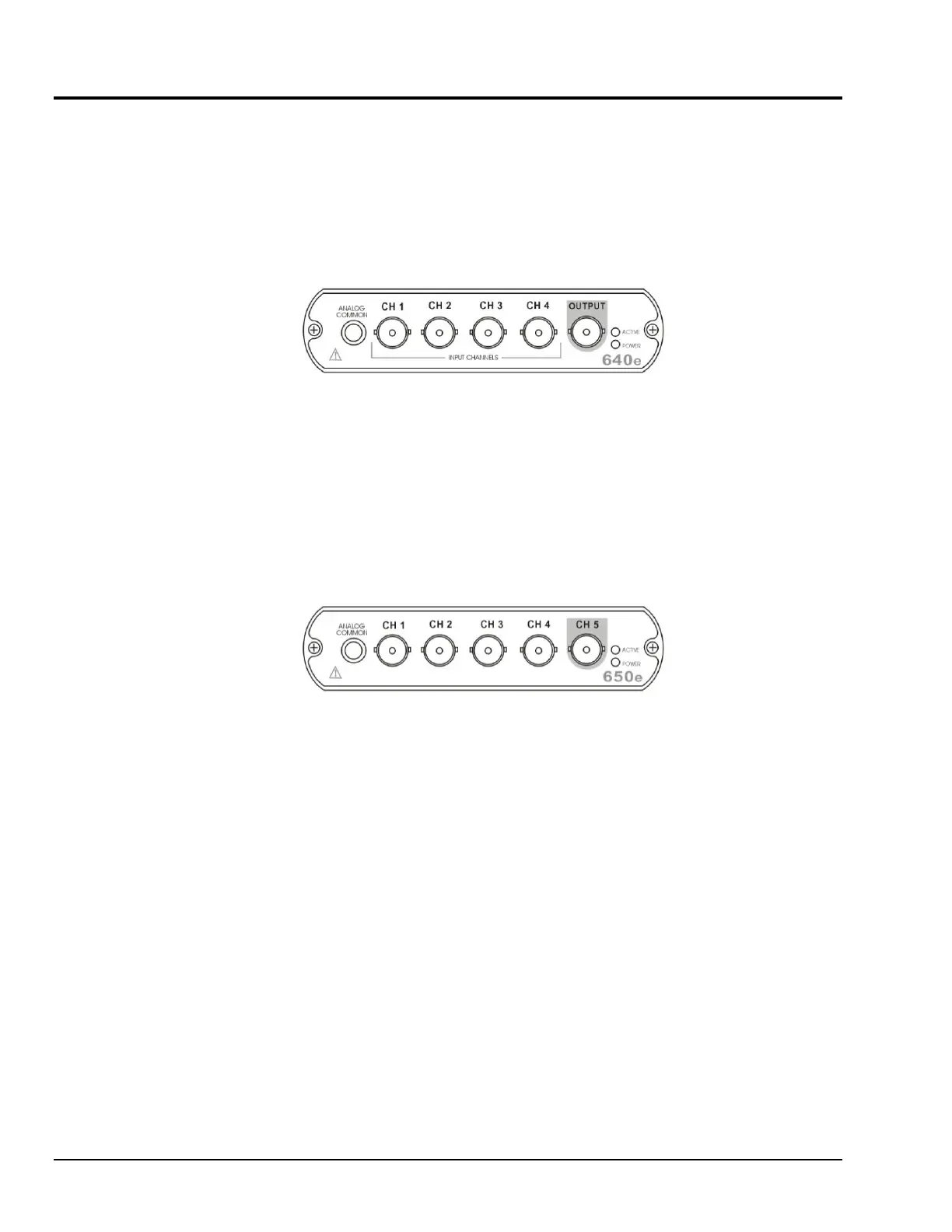
The 640e
4 analog channel inputs (CH1 through CH4) via front panel BNC connectors.
1 analog output via a front panel BNC connector.
8 digital I/O lines via rear panel DB9 connector, as discussed in Chapter 3,
Connectors, Indicators, and Cables.
The 650e
5 analog channel inputs (CH1 through CH5) via front panel BNC connectors.
8 digital I/O lines via rear panel DB9 connector, as discussed in Chapter 3,
Connectors, Indicators, and Cables.



 To Next Page