A-2 Using the Daq Configuration Applet 907493 Appendix A
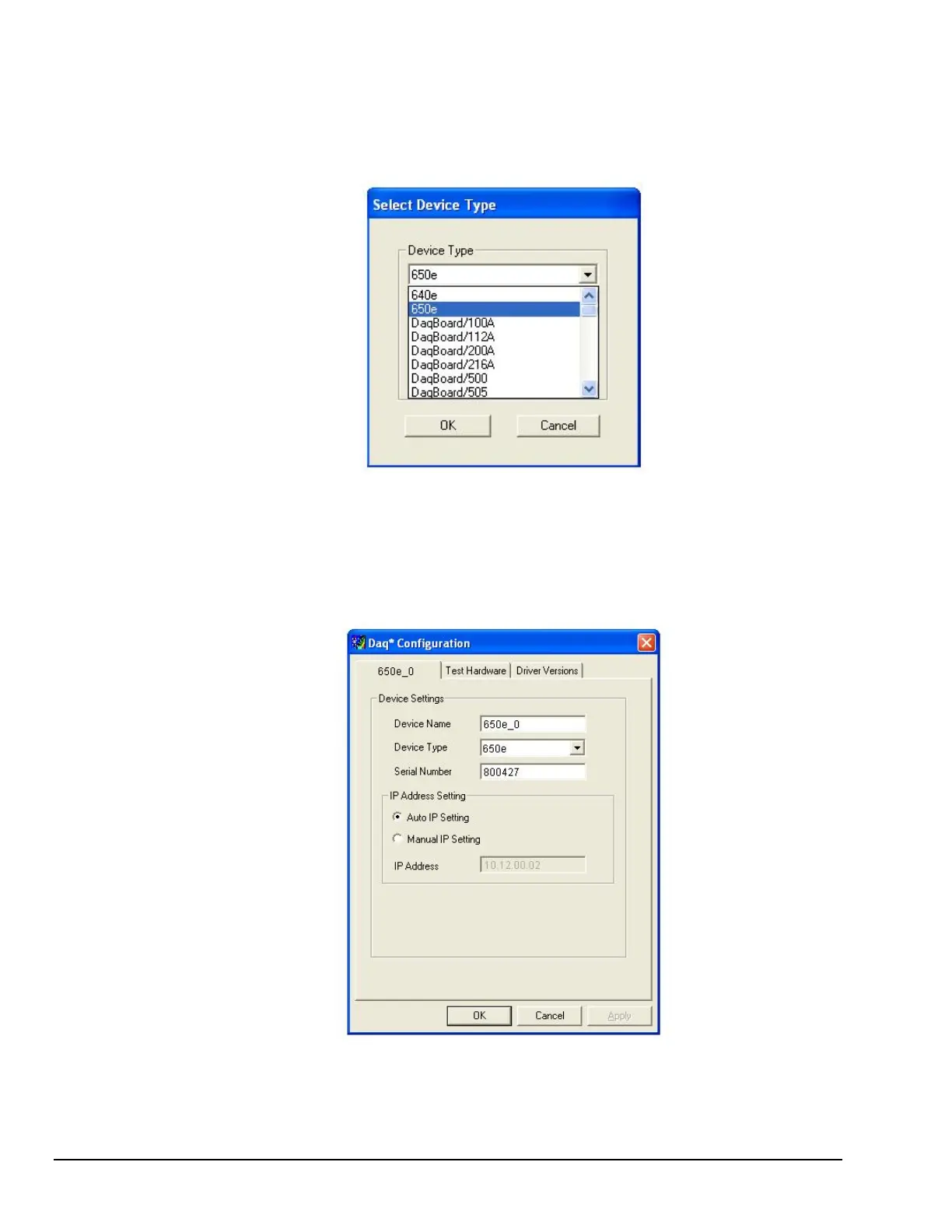
The “Select Device Type” Dialog Box
This dialog box opens when the <Add Device> button of the Device Inventory dialog box is clicked. The
box contains a pull-down list.
The device type you select for configuring will appear in the main edit box. Clicking on the <OK> button
will then open the Properties Dialog Box.
Daq Configuration
Select Device Type Dialog Box
Properties Dialog Box
This dialog box opens when the <Properties> button of the Device Inventory dialog box is clicked, or when
the <OK> button of the Select Device Type dialog box is selected. It displays the properties for the 640/650
device with the default configuration settings.
Daq Configuration - Properties Dialog Box



 To Next Page