EN
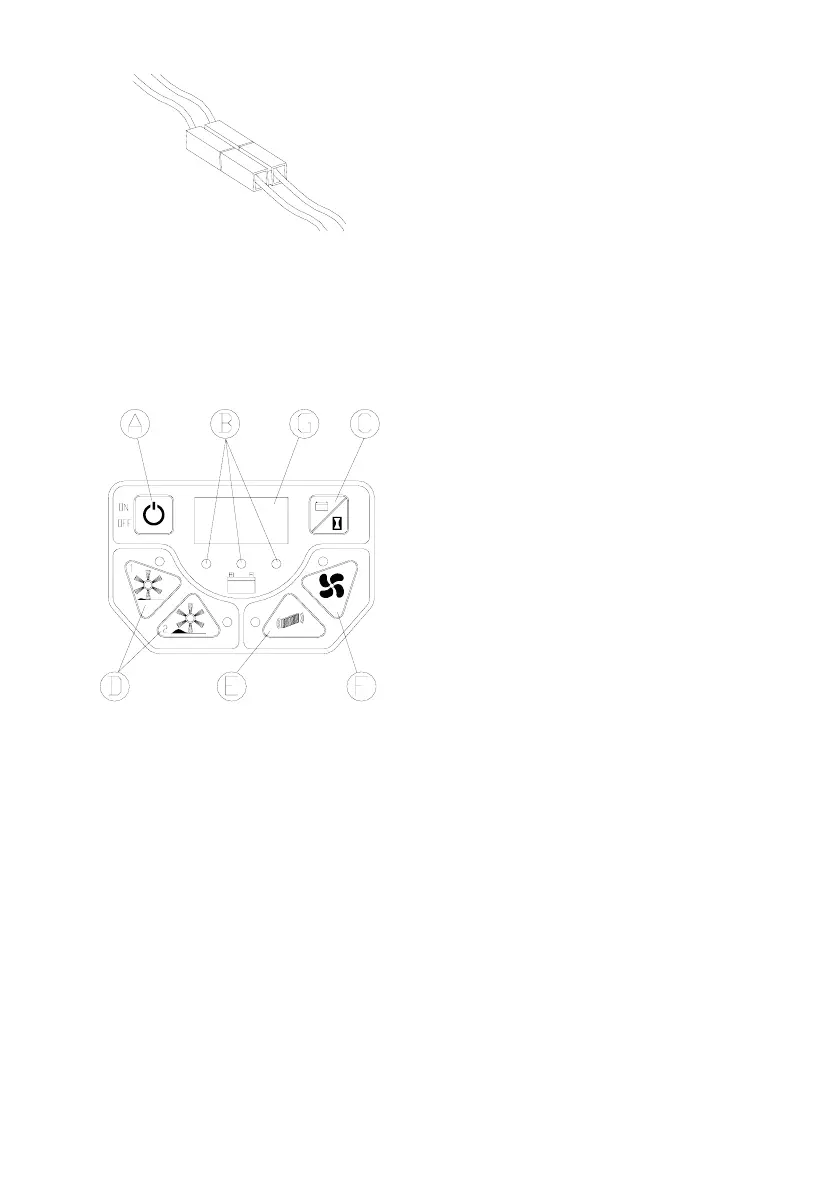
Close the top cowling.
CONTROL PANEL AND MACHINE
COMPONENTS:
The machine is equipped with a simple and
intuitive control panel that controls all the
functions of the machine.
Meaning of the LED colours:
green LED on, the battery is charged, red LED
on the battery is discharged, yellow LED on the
battery is being recharged via the power supply,
or battery charge is low.
C) Display button: pressing this button shows
the machine voltage, and machine operating
hours (pressing once) and minutes (pressing
twice).
D) Work program 1 and 2 on-o buttons: these
two buttons allow the machine to work in two
separate modes: program 1 for light debris
collection, and program 2 for heavy debris
collection, when the area being cleaned is much
dirtier.
E) Button for activating the lter shaker function:
this button is used to activate the lter shaker at
any time when working.
F) Button for activating the suction motor: this
button stops the suction function.
G) Numeric display.
A) Machine “ON/OFF” button.
B) LED indicator for battery charge.
C) Display button.
D) Work program 1 and 2 on-o buttons.
E) Button for manual activation of the lter
shaker function.
F) Button for turning o the suction motor.
G) Numeric display.
The functions on the control panel can be
summarised as follows:
A) Main switch to turn the machine on and o.
B) Battery charge status indicator LEDs: this
function provides useful information on battery
charge status.
8


 To Next Page