8B
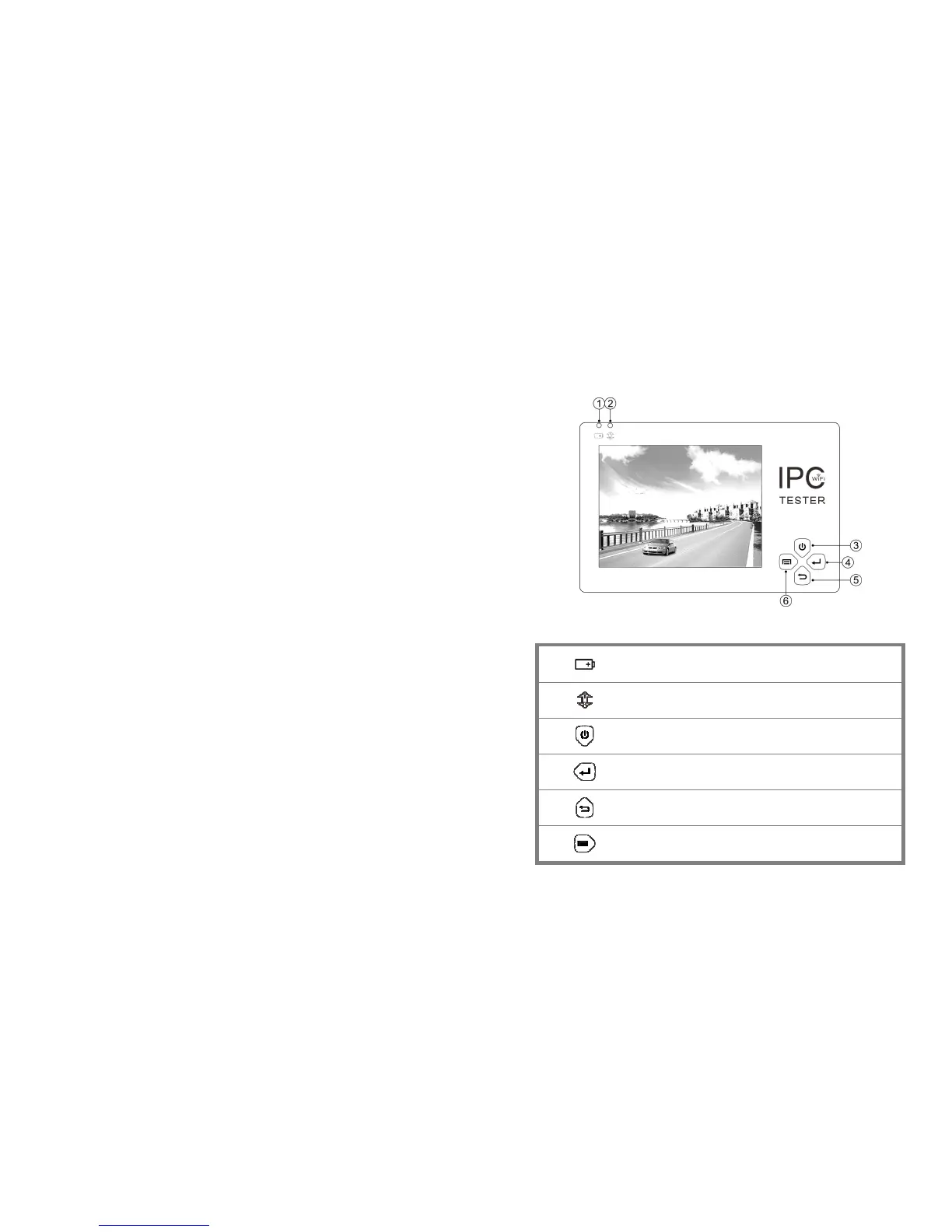
2.5 Function interface
1
The charge indicator: it lights red while the battery is being charged. As the
charging is complete, the indicator turns off automatically
2
The RS485 data transmission indicator: it lights red while the data is being
transmitted
3
Press more than 2 seconds, turn on or off the device ,short press to turn on or off
the menu display
4
Confirm key /zoom key
5
Return/Close : Return or cancel while setting parameters of the menu, close or
decrease the aperture
6
Function switching key



 To Next Page