When the tester receives the code, Press the key to clear screen.
Though the RS485 port, display the PTZ control code of the multifunctional keyboard or the DVR.
Controller can check the status of the RS485 transmission through the code on the display. (The RS485
communication rate must be the same.)
Application:Check the RS485 communication states of the video optical transmitter whether normal.
Engineer can analyze the protocol and check the data through the displayed code.
43B
3.3.8 Media Player
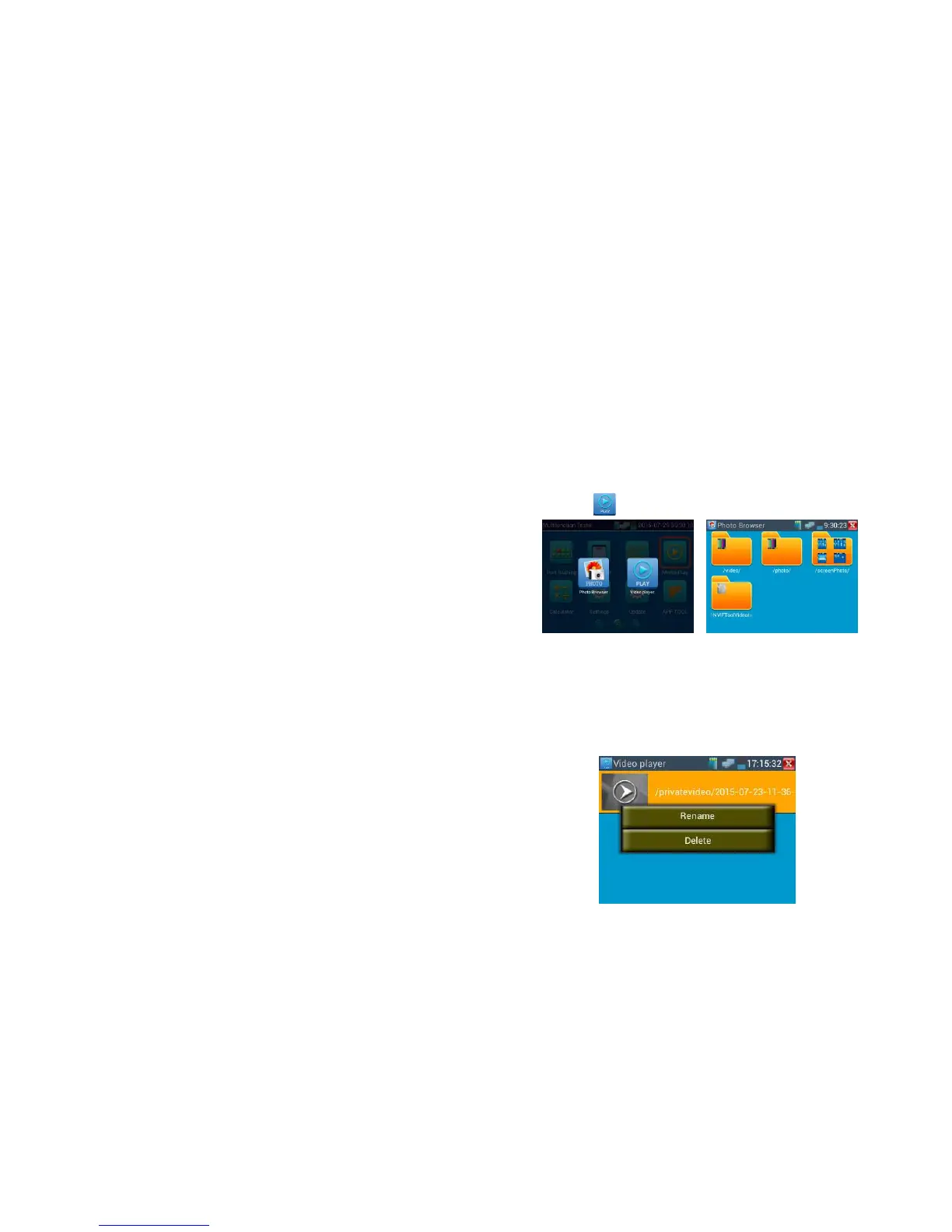
Click the icon to enter
The Media player can browse video and image files. It supports the video formats of MP4, H.264,
MPEG4, and MKV. The IP
tester’s recorded files can play directly via the Media player. The Media player will automatically
display the video files from the SD card. Click on the desired file to play. Click RETURN to exit.
To rename or delete an existing file, press the file name for a few seconds until the screen below
appears.
You can then rename or delete the file by pressing the desired option.



 To Next Page