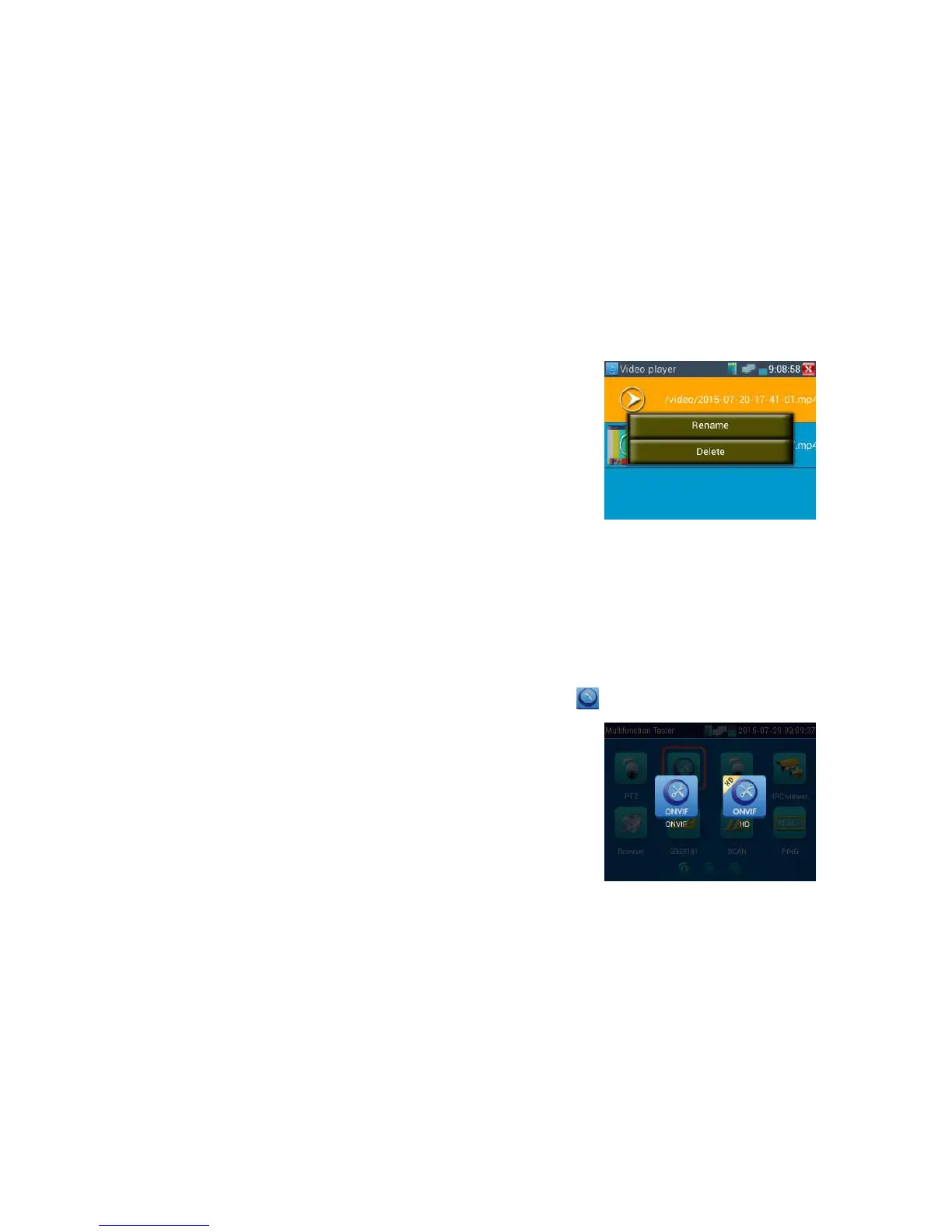
Video files also can play in the main menu “Video Player".
37B
3.3.2 ONVIF
The Open Network Video Interface Forum (ONVIF) app is used to connect to ONVIF compliant IP
cameras only. If the IP camera's video stream is MPEG4, use the ONVIF (SD) mode. If your IP
camera's video stream is H.264, use ONVIF HD (High Definition), HD mode cannot support
MPEG4. While in SD mode, if the network camera resolution is 720P or higher 720P, the image
display may be delayed. While in HD mode, if the network camera stream is H.264, the tester can
fluently display the image up to 1080P.
Click icon to enter Then tap either the"ONVIF" icon is for SD mode (MPEG4) and the "ONVIF
HD" icon is for HD mode (H.264).



 To Next Page