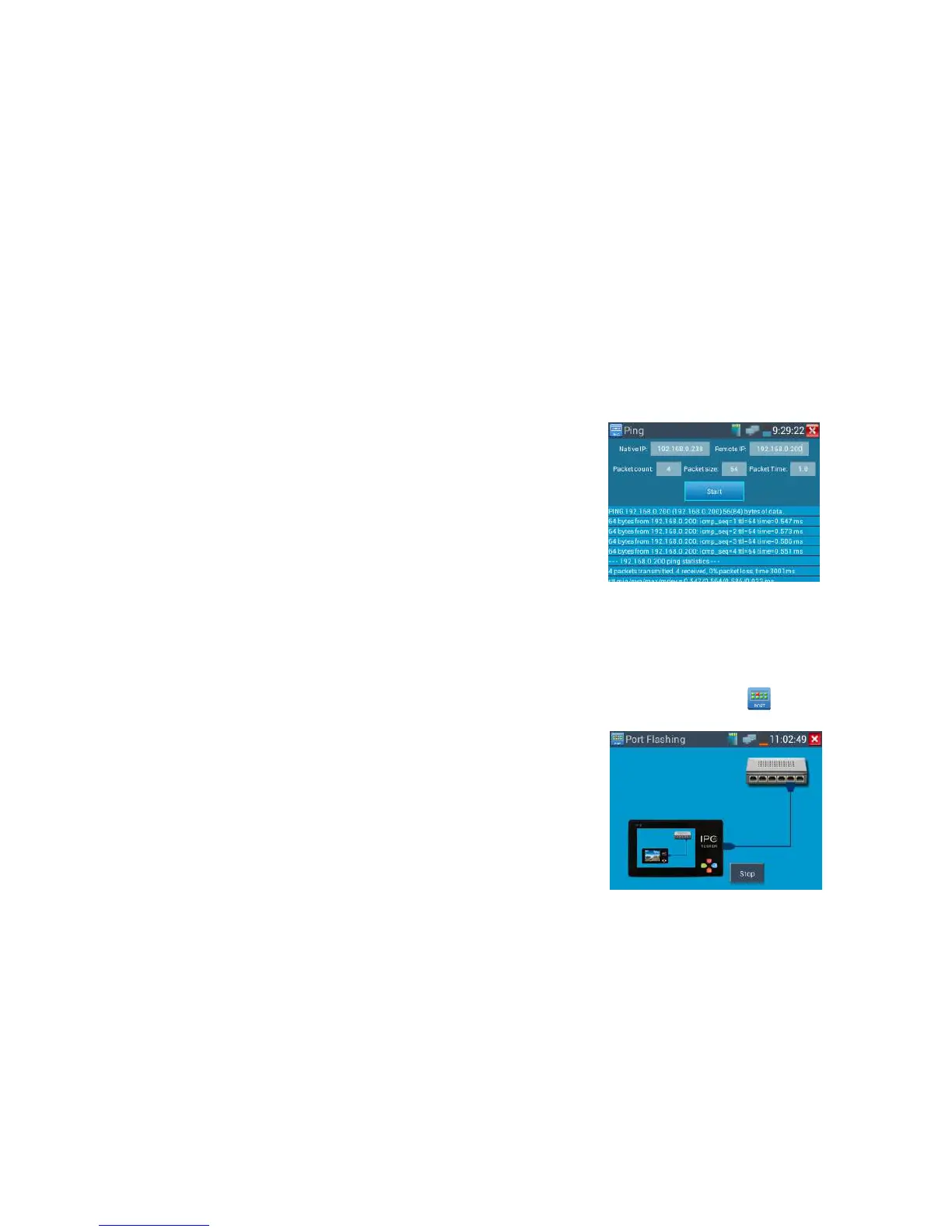
time and Timeout. Press “Start” to start pinging. If the IP camera or network device is not configured
properly or not plugged in, it will say “Destination host unreachable,” or have 100% packet loss. If the
tester connects to the device, the send and receive packets will have a 0% packet loss.
Application: PING testing is the most conventional network debugging tools. It is used for testing if
the connected IP camera or other network equipment’s Ethernet port is working normally and the IP
address is correct.
It’s normal that the first data packet will be lost when test start.
41B
3.3.6 Port finder
Connect a network cable to the meter’s “LAN” port; click the icon to open the Port Flashing app.
Click “Start”. The IP tester sends a unique signal to make the connected LAN port of the switch flash



 To Next Page