52B
3.3.16 System Set
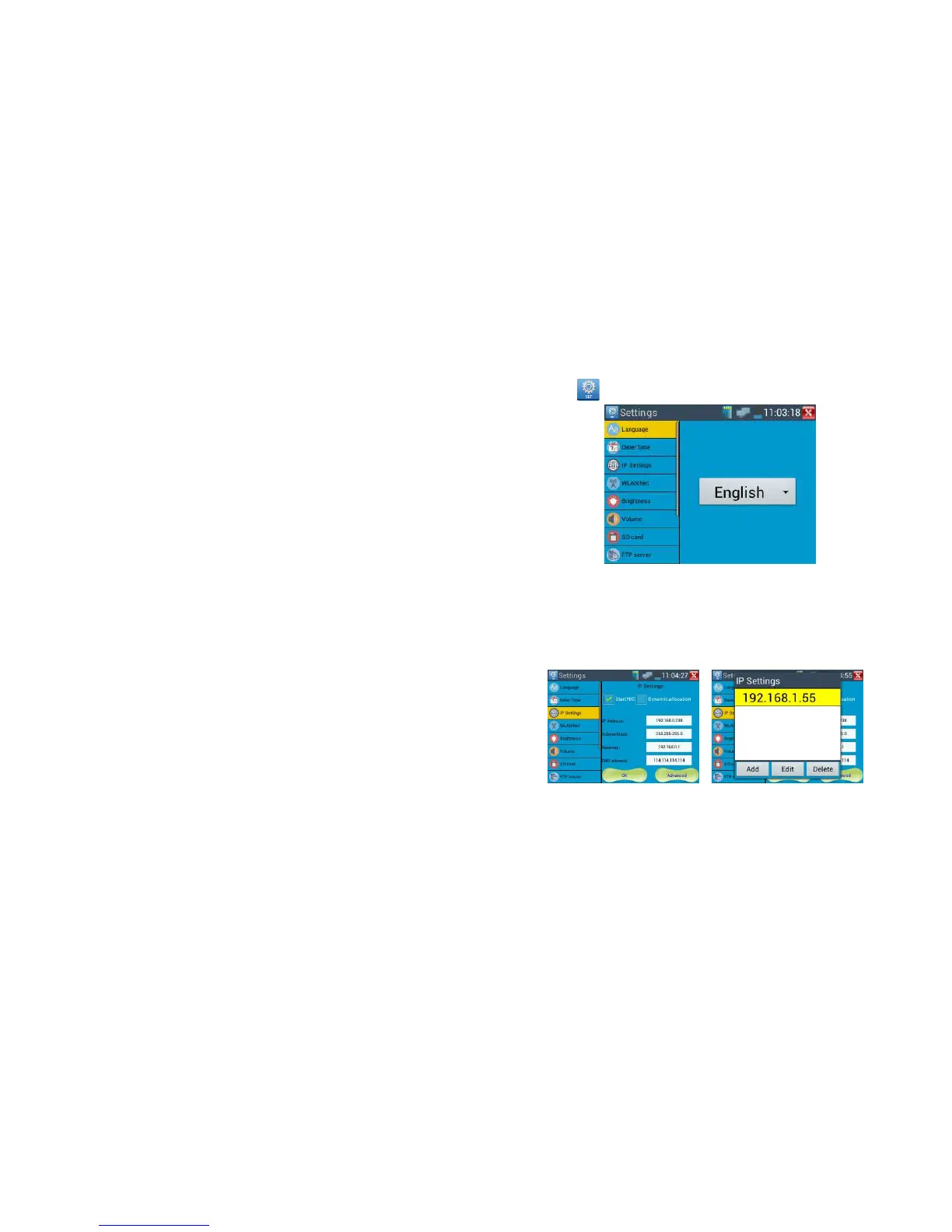
Click icon to enter
Language: Select your desired language: English, Chinese, Korean, Russian, Italian or Polish, etc.
Date/Time:Set the Date/time
IP setting: Manually set the IP address, Subnet Mask, Default Gateway, DNS address or select
“Dynamic allocation” to use DHCP. To test multiple network segments, click “Advanced” and then
click “Add” to enter another IP address for the IP tester.
After setting an advanced IP address (refer to above photos), the tester can test two network segments
(192.168.0.0) and (192.168.1.0).
WLAN:Turn WiFi off or on by pressing the “Open the wifi” button. Once WiFi is turned on, it will
scan for wireless networks in your area. Select the desired wireless network SSID and enter your
password to connect networks in your area.



 To Next Page