Version information: This displays the version information for each application.
Screen rotation: Click on “Screen Rotation” to flip the IP tester’s display 180 degrees. This function is
very convenient for the user to connect the LAN cable on the bottom of the unit without having to flip
the unit itself
PTZ address scan: You can toggle the PTZ Address scan off or on before entering the “PTZ
controller” app. This needs to be turned on in order to use the PTZ Scan feature of the PTZ app.
Turn off option: If you select “Fast turn off”, the tester will shut down faster but data will not saved.
To avoid unnecessary problems, it is recommended not to use the “Fast turn off” option
53B
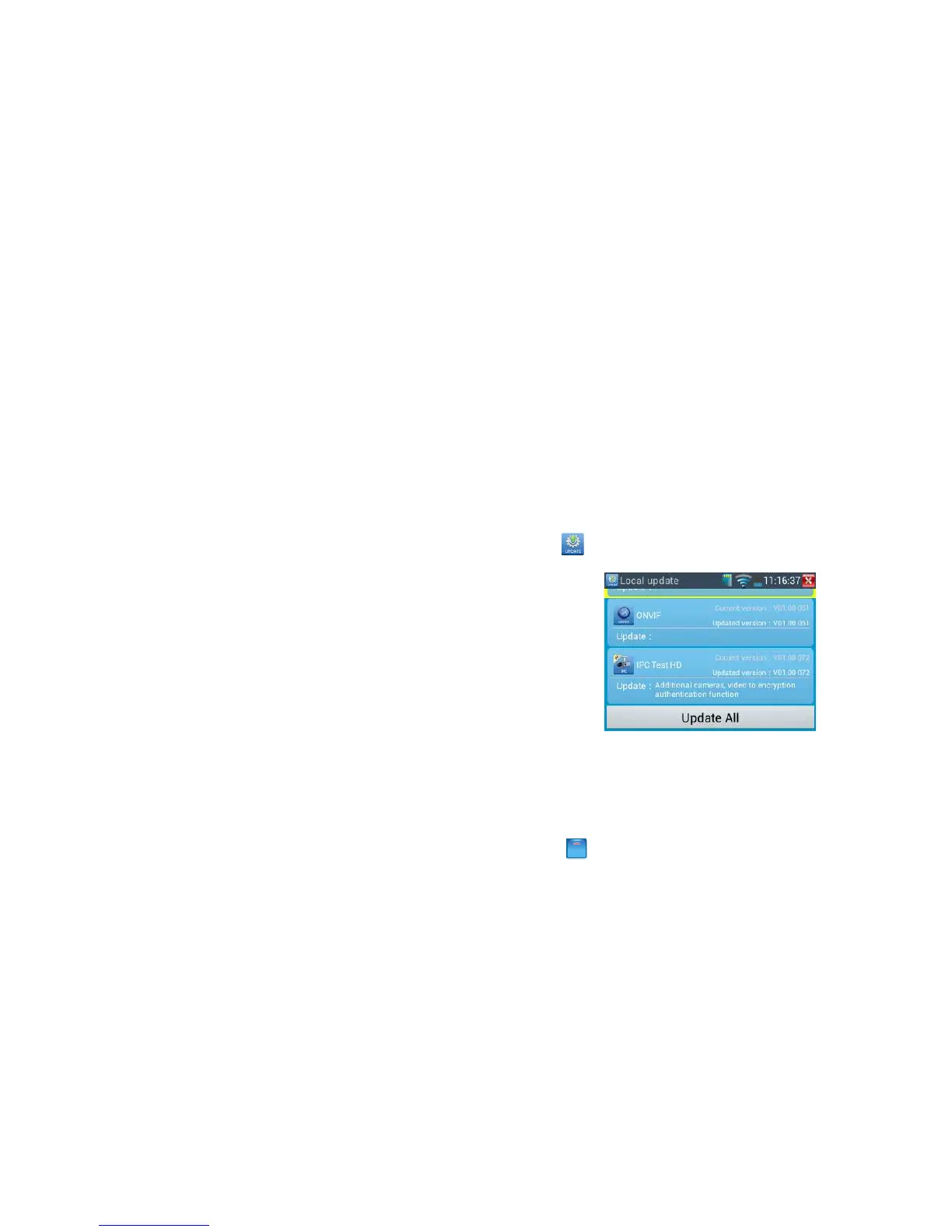
3.3.17 Update
Click to enter
If there are applications for updating, the applications will be displayed on the interface. Click the
relevant applications to update to the latest version.
12B
3.4 DC12V 1A power output
Touch function ,enter power output interface
Click the switch “OFF” to“ON” to turn on DC12V 1A power output function.. The smaller end of the



 To Next Page