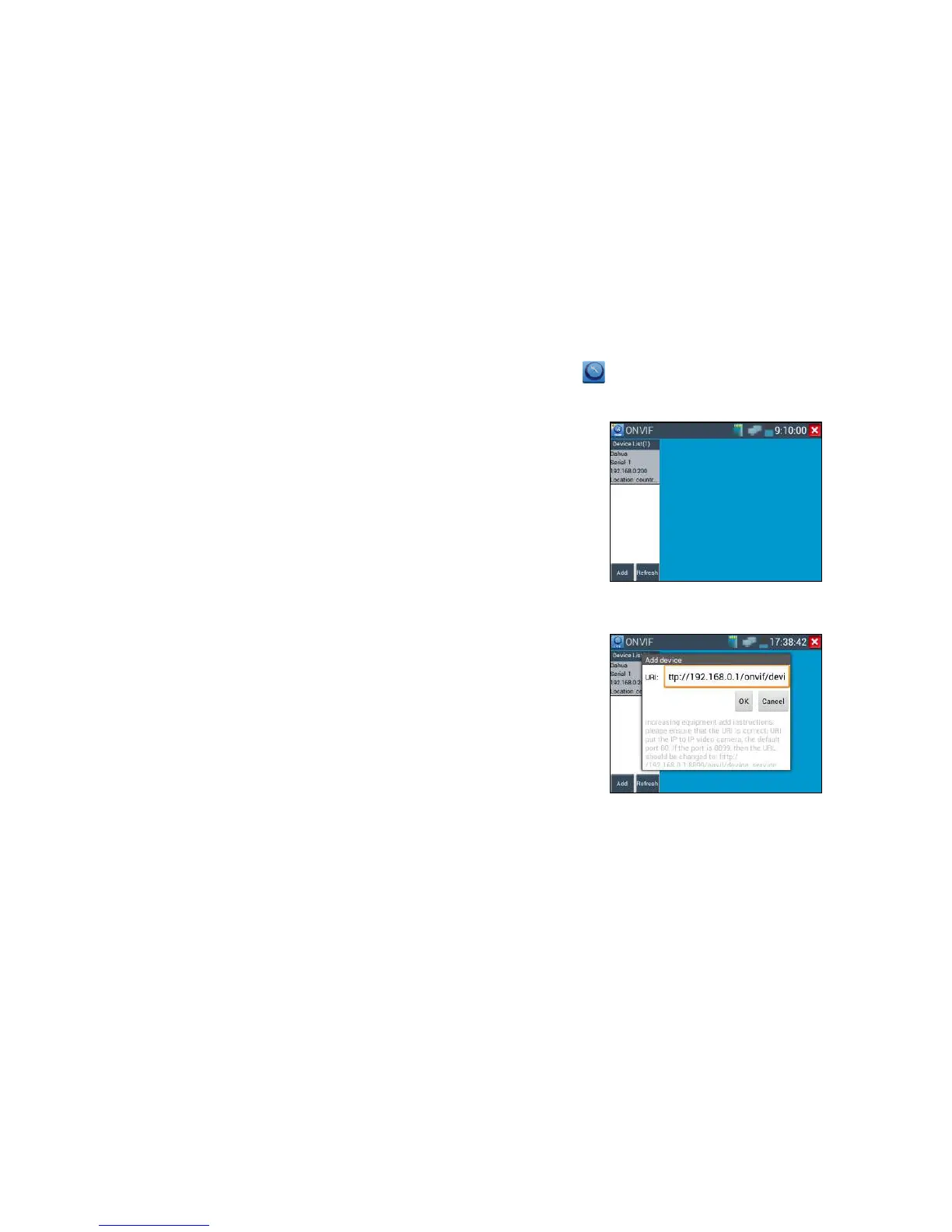
Click icon to enter, the tester Auto-Scan different network segments ONVIF cameras, and
list the camera name and address on the screen left. Some cameras not need user name and password to
login, Please select “Non- verification” to login the camera.
If you select ONVIF SD or HD mode, the meter automatically scans different network segments for
ONVIF cameras. It lists the camera name and IP address on the Device List. If no cameras appear under
the device list, try clicking on the Refresh button
Click “refresh”, the IPC tester scanned ONVIF network camera on the internet.
Click the camera in the list of devices, camera login window pops up. Input the camera’s username and
pass word. Some network cameras, does not require a user name and password authentication, check
"non-verification" and then login the camera.



 To Next Page