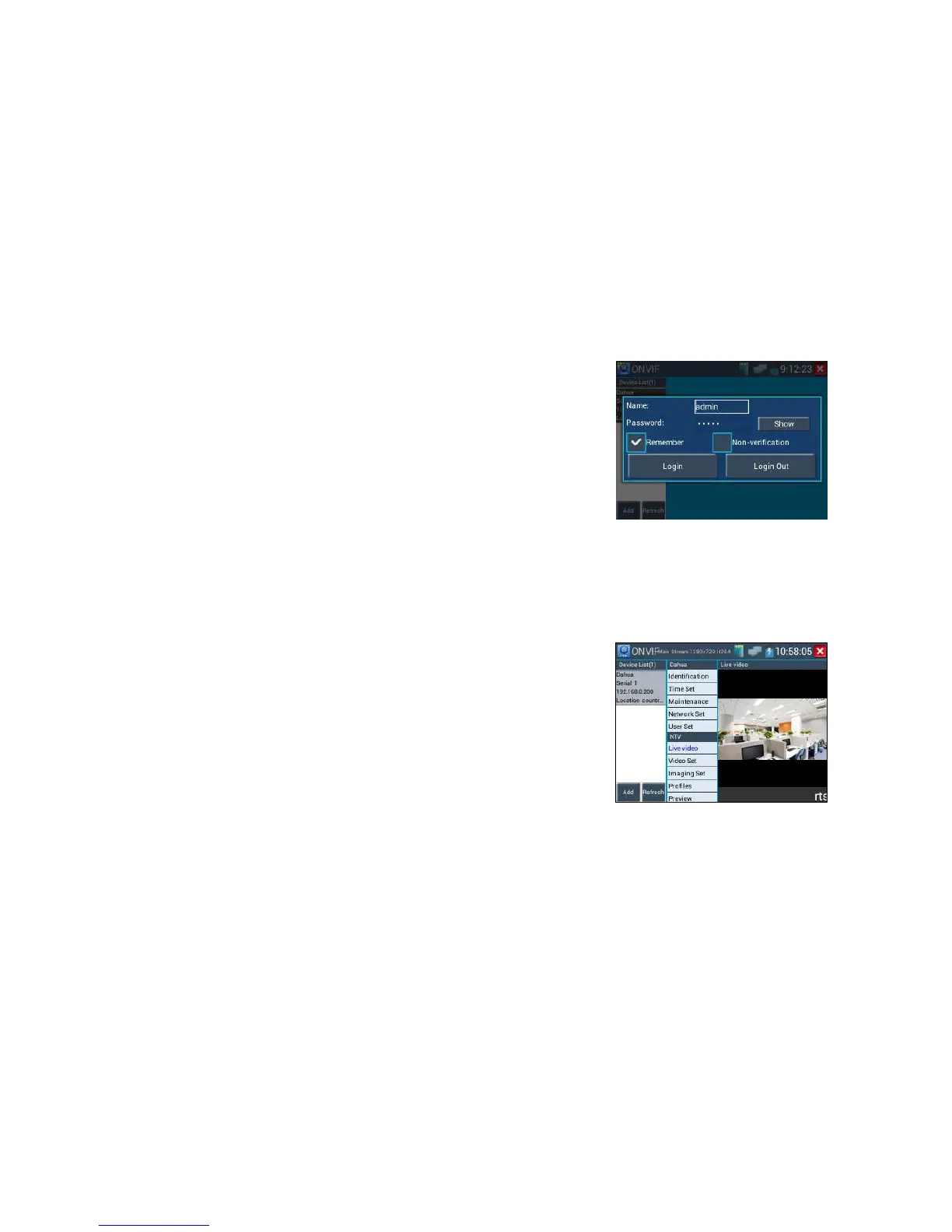
Click “device list” of the tester’s screen left, will shows the camera information and setting. Such as
“Device information”, “Time setting”, “Maintenance” “Network setting”, “User management”, “Live
video”, “Image setting”etc. Some functions must camera's setting open to operate.
Live Video: Click "Live Video" to view the live video feed from the IP camera. To make the image full
screen, double tap on the video. Stretch two fingers outward or inward on the touch screen to zoom the
image in or out. If you want to zoom in or out ,pls press the key tele and wide
ONVIF PTZ control: Tap the image in the direction you want the PTZ camera to move. Tap the left
side of the image to move left, right to go right, up to go up and down to go down. Compatible IP PTZ
cameras will rotate accordingly. PTZ rotation direction is displayed on top left corner of the image.



 To Next Page