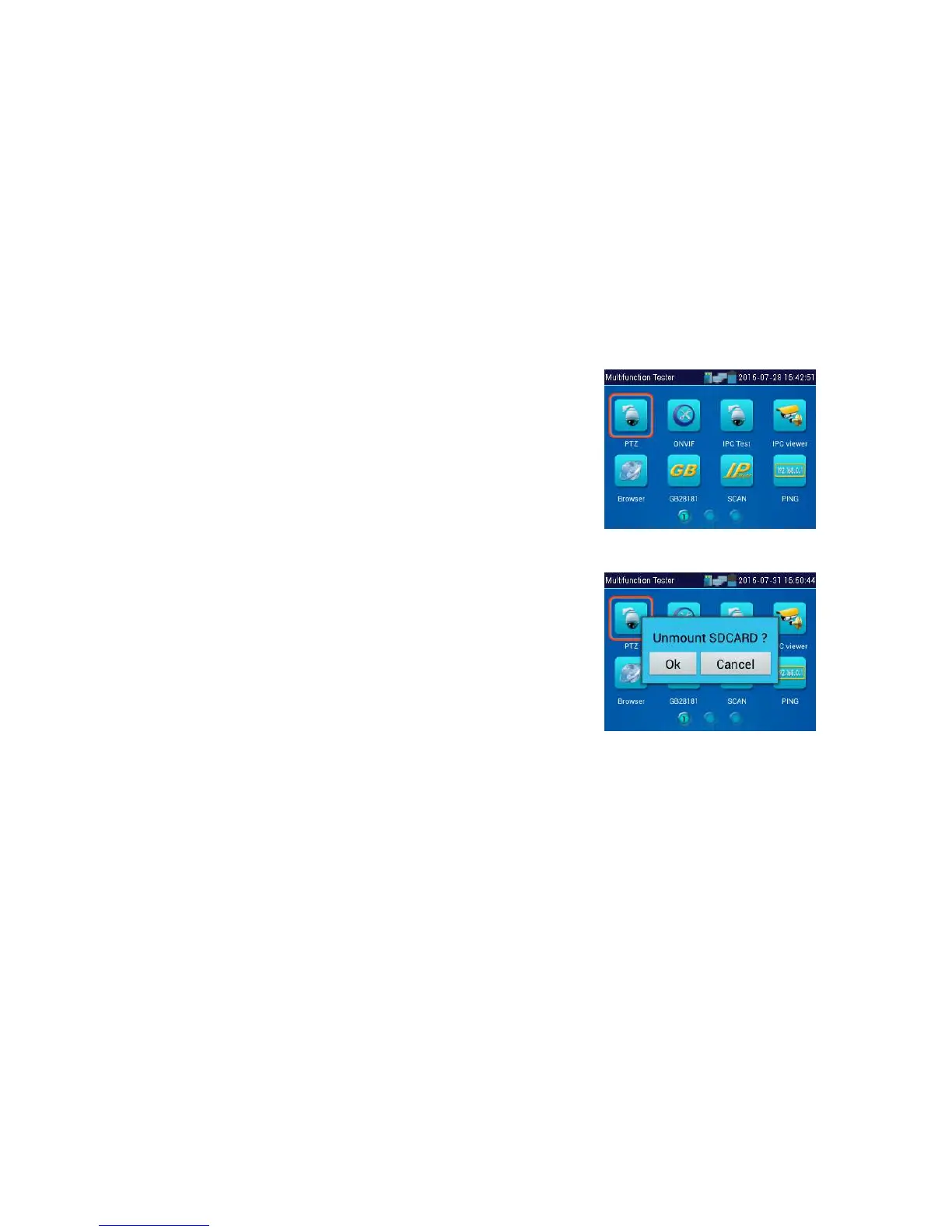
Click SD card, install or remove SD card
Press function Icons seconds, tip: whether move this icon to APPS file, if some function not be often
used, can move these function icons to APPS.
To move an app icon to the “APPS” folder, press and hold until the “move to apps directory” appears
on the screen then press OK to move it or Cancel



 To Next Page