C
HAPTER
5
| Interface Configuration
Port Configuration
– 133 –
WEB INTERFACE
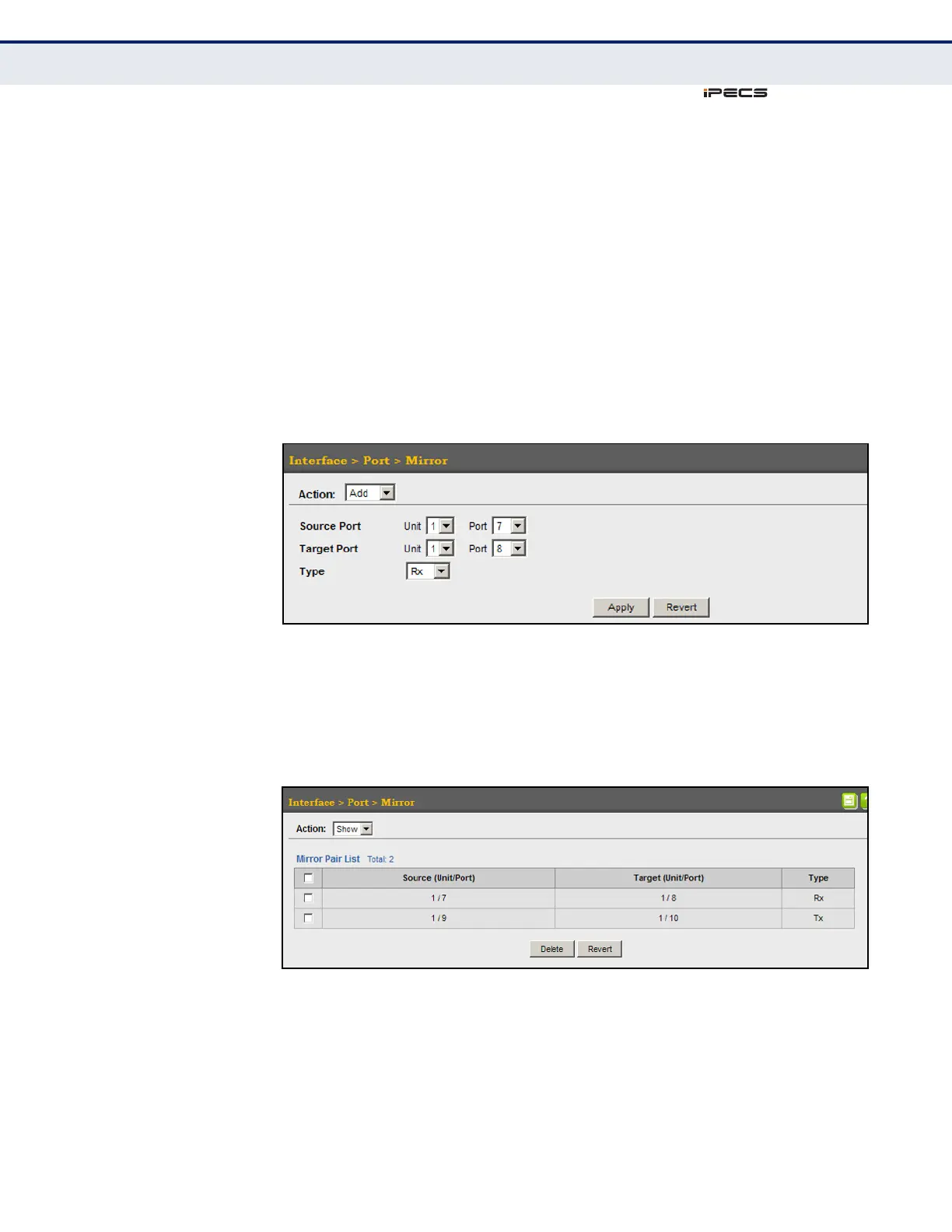
To configure a local mirror session:
1. Click Interface, Port, Mirror.
2. Select Add from the Action List.
3. Specify the source port.
4. Specify the monitor port.
5. Specify the traffic type to be mirrored.
6. Click Apply.
Figure 30: Configuring Local Port Mirroring
To display the configured mirror sessions:
1. Click Interface, Port, Mirror.
2. Select Show from the Action List.
Figure 31: Displaying Local Port Mirror Sessions



 To Next Page