C
HAPTER
5
| Interface Configuration
Trunk Configuration
– 153 –
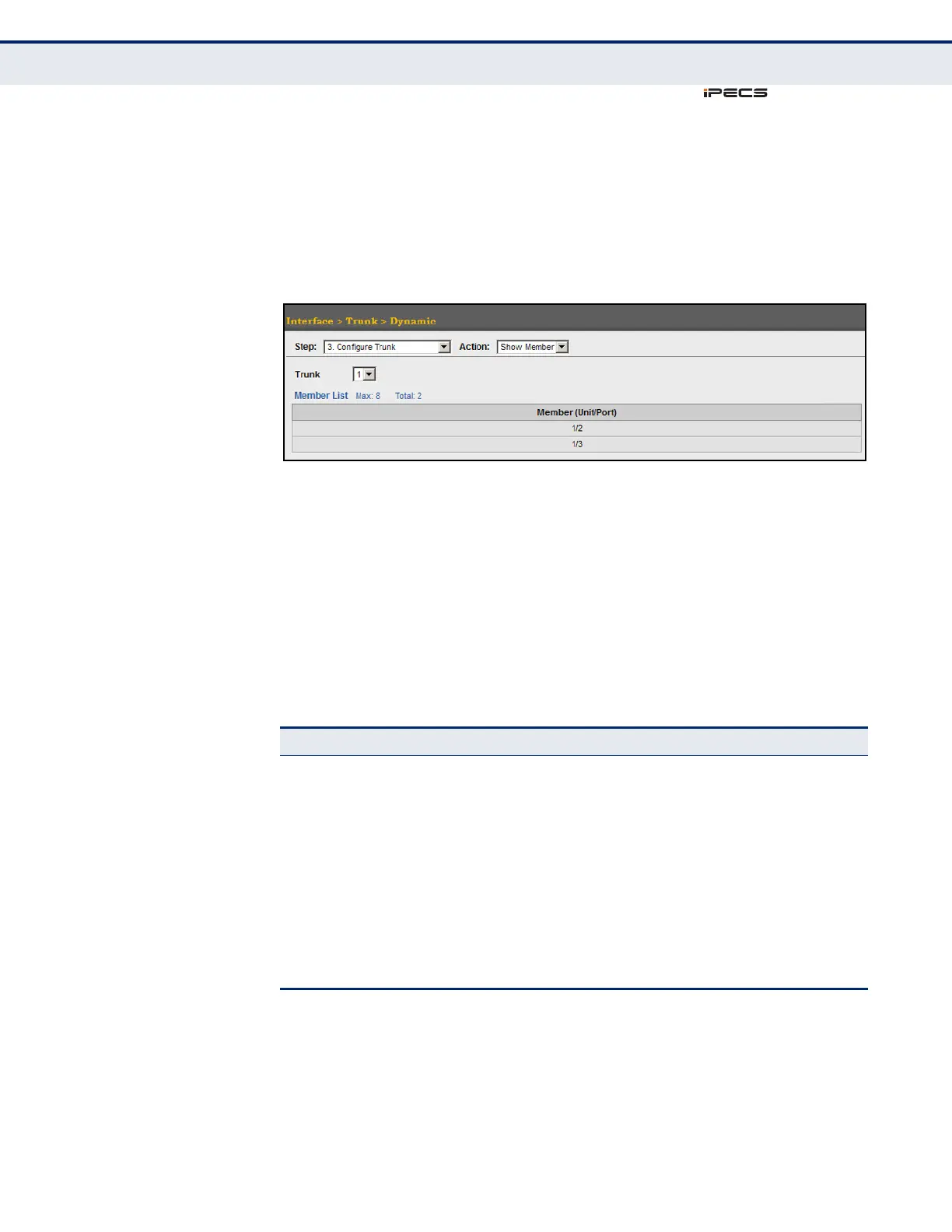
To show the port members of dynamic trunks:
1. Click Interface, Trunk, Dynamic.
2. Select Configure General from the Step list.
3. Select Show Member from the Action list.
Figure 49: Showing Members of Dynamic Trunks
DISPLAYING LACP
PORT COUNTERS
Use the Interface > Trunk > Dynamic (Configure Aggregation Port - Show
Information - Counters) page to display statistics for LACP protocol
messages.
CLI REFERENCES
◆ "show lacp" on page 773
PARAMETERS
These parameters are displayed in the web interface:
Table 8: LACP Port Counters
Parameter Description
LACPDUs Sent Number of valid LACPDUs transmitted from this channel group.
LACPDUs Received Number of valid LACPDUs received on this channel group.
Marker Sent Number of valid Marker PDUs transmitted from this channel
group.
Marker Received Number of valid Marker PDUs received by this channel group.
Marker Unknown Pkts Number of frames received that either (1) Carry the Slow
Protocols Ethernet Type value, but contain an unknown PDU, or
(2) are addressed to the Slow Protocols group MAC Address, but
do not carry the Slow Protocols Ethernet Type.
Marker Illegal Pkts Number of frames that carry the Slow Protocols Ethernet Type
value, but contain a badly formed PDU or an illegal value of
Protocol Subtype.



 To Next Page