C
HAPTER
5
| Interface Configuration
Port Configuration
– 137 –
WEB INTERFACE
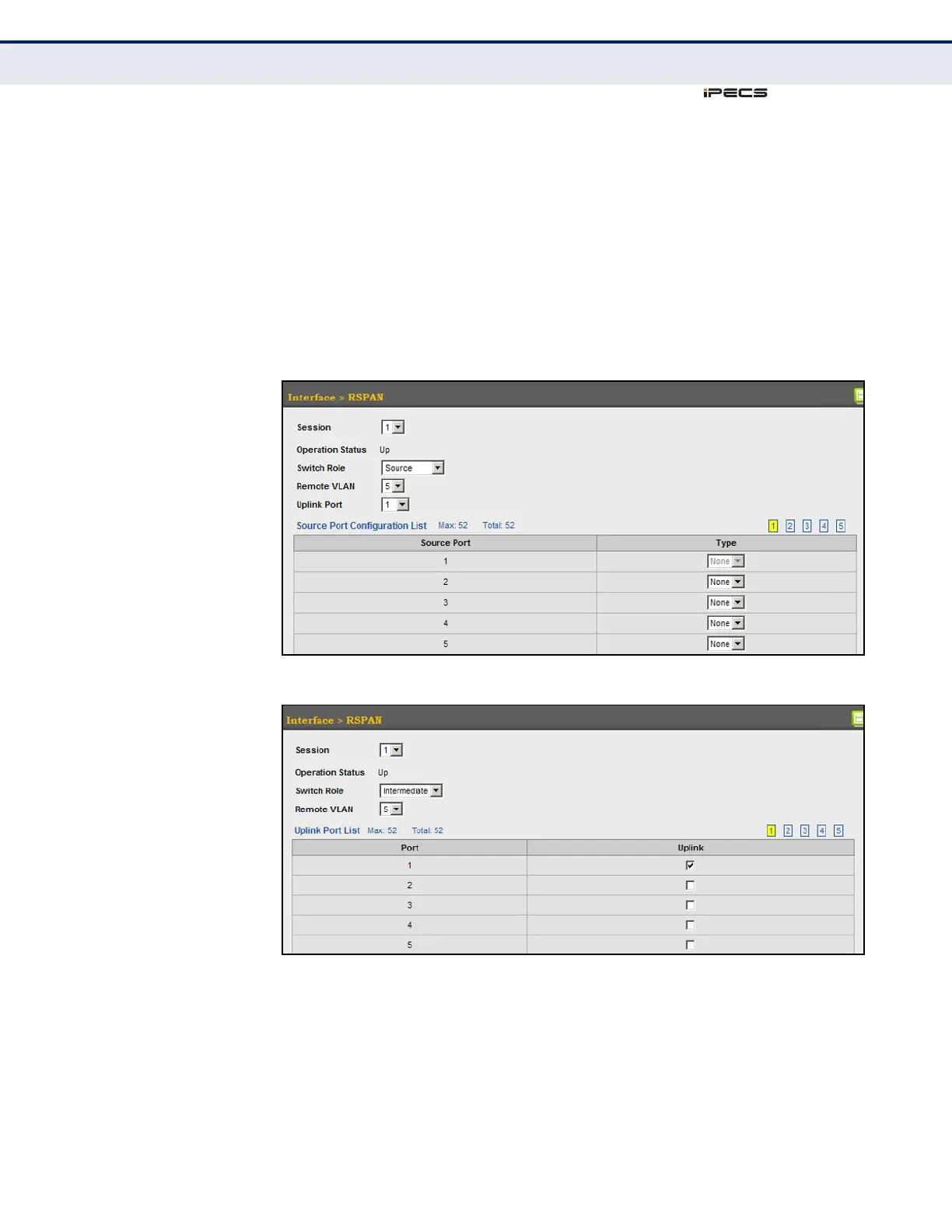
To configure a remote mirror session:
1. Click Interface, RSPAN.
2. Set the Switch Role to None, Source, Intermediate, or Destination.
3. Configure the required settings for each switch participating in the
RSPAN VLAN.
4. Click Apply.
Figure 33: Configuring Remote Port Mirroring (Source)
Figure 34: Configuring Remote Port Mirroring (Intermediate)



 To Next Page