C
HAPTER
5
| Interface Configuration
Port Configuration
– 141 –
WEB INTERFACE
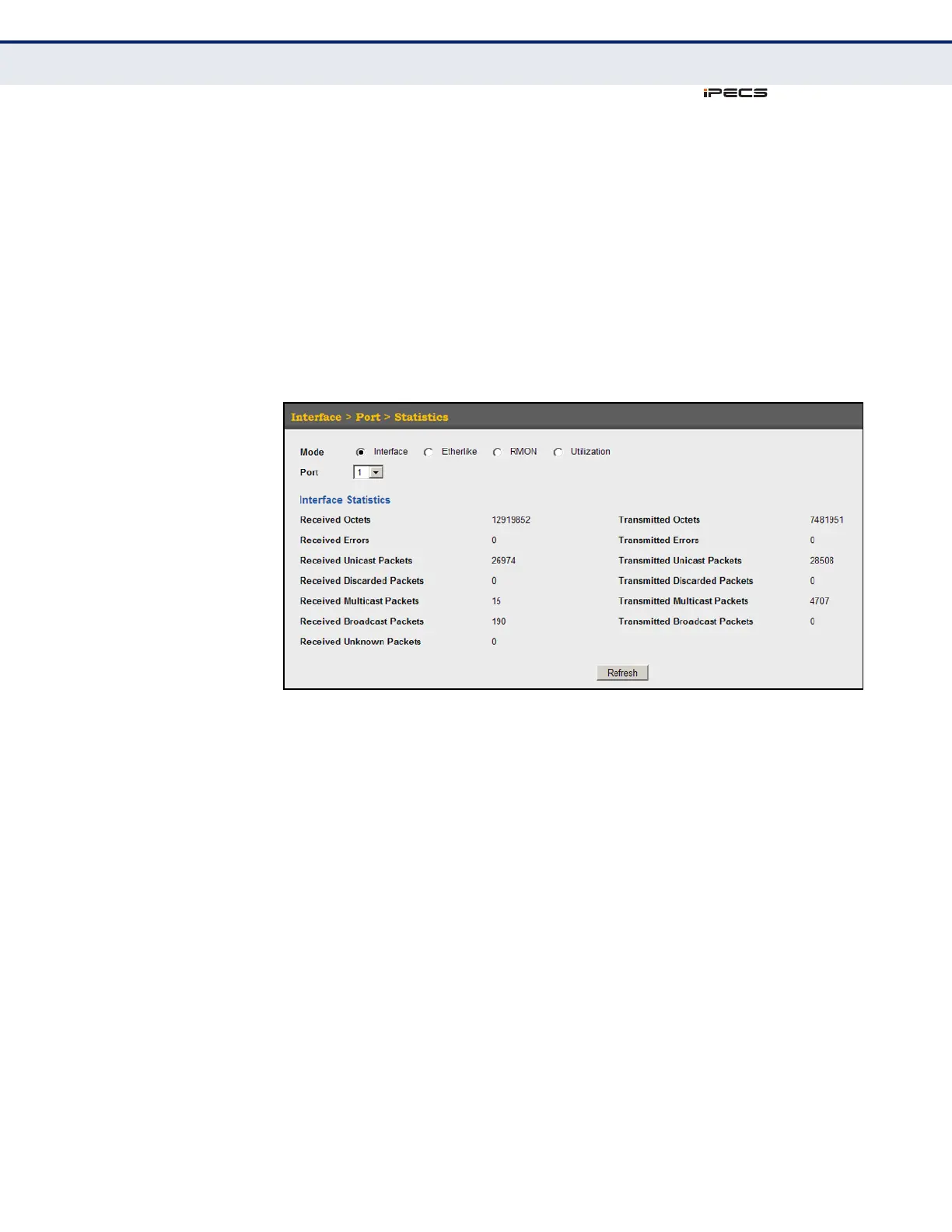
To show a list of port statistics:
1. Click Interface, Port, Statistics.
2. Select the statistics mode to display (Interface, Etherlike, RMON or
Utilization).
3. Select a port from the drop-down list.
4. Use the Refresh button at the bottom of the page if you need to update
the screen.
Figure 36: Showing Port Statistics (Table)



 To Next Page