C
HAPTER
5
| Interface Configuration
Traffic Segmentation
– 162 –
TRAFFIC SEGMENTATION
If tighter security is required for passing traffic from different clients
through downlink ports on the local network and over uplink ports to the
service provider, port-based traffic segmentation can be used to isolate
traffic between clients on different downlink ports. Data traffic on downlink
ports is only forwarded to, and from, uplink ports.
ENABLING TRAFFIC
SEGMENTATION
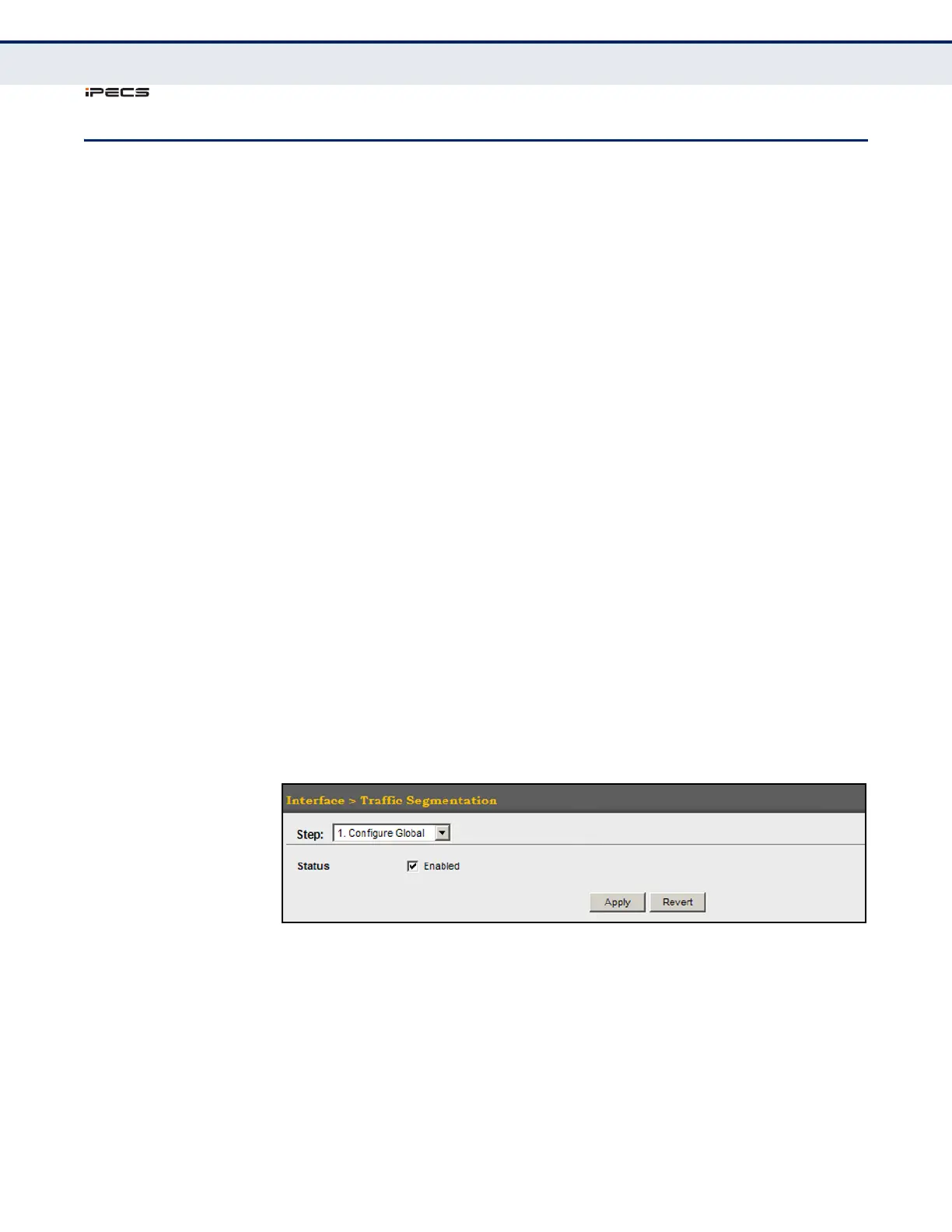
Use the Interface > Traffic Segmentation (Configure Global) page to enable
traffic segmentation.
CLI REFERENCES
◆ "Configuring Port-based Traffic Segmentation" on page 862
PARAMETERS
These parameters are displayed in the web interface:
◆ Status –
Enables port-based traffic segmentation. (Default: Disabled)
WEB INTERFACE
To enable traffic segmentation:
1. Click Interface, Traffic Segmentation.
2. Select Configure Global from the Step list.
3. Mark the Enabled check box.
4. Click Apply.
Figure 57: Enabling Traffic Segmentation



 To Next Page