C
HAPTER
6
| VLAN Configuration
Configuring VLAN Mirroring
– 196 –
WEB INTERFACE
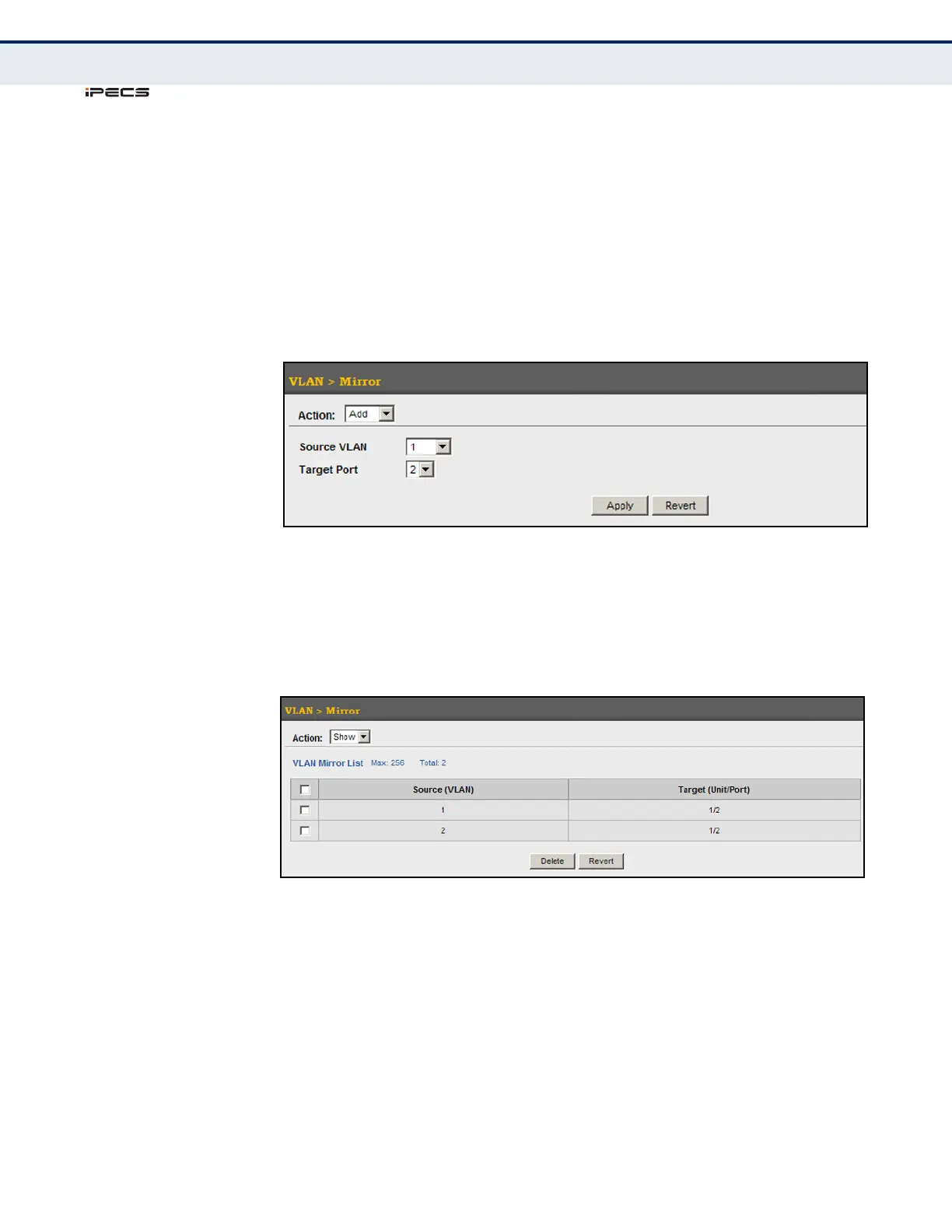
To configure VLAN mirroring:
1. Click VLAN, Mirror.
2. Select Add from the Action list.
3. Select the source VLAN, and select a target port.
4. Click Apply.
Figure 82: Configuring VLAN Mirroring
To show the VLANs to be mirrored:
1. Click VLAN, Mirror.
2. Select Show from the Action list.
Figure 83: Showing the VLANs to Mirror



 To Next Page