C
HAPTER
7
| Address Table Settings
Changing the Aging Time
– 199 –
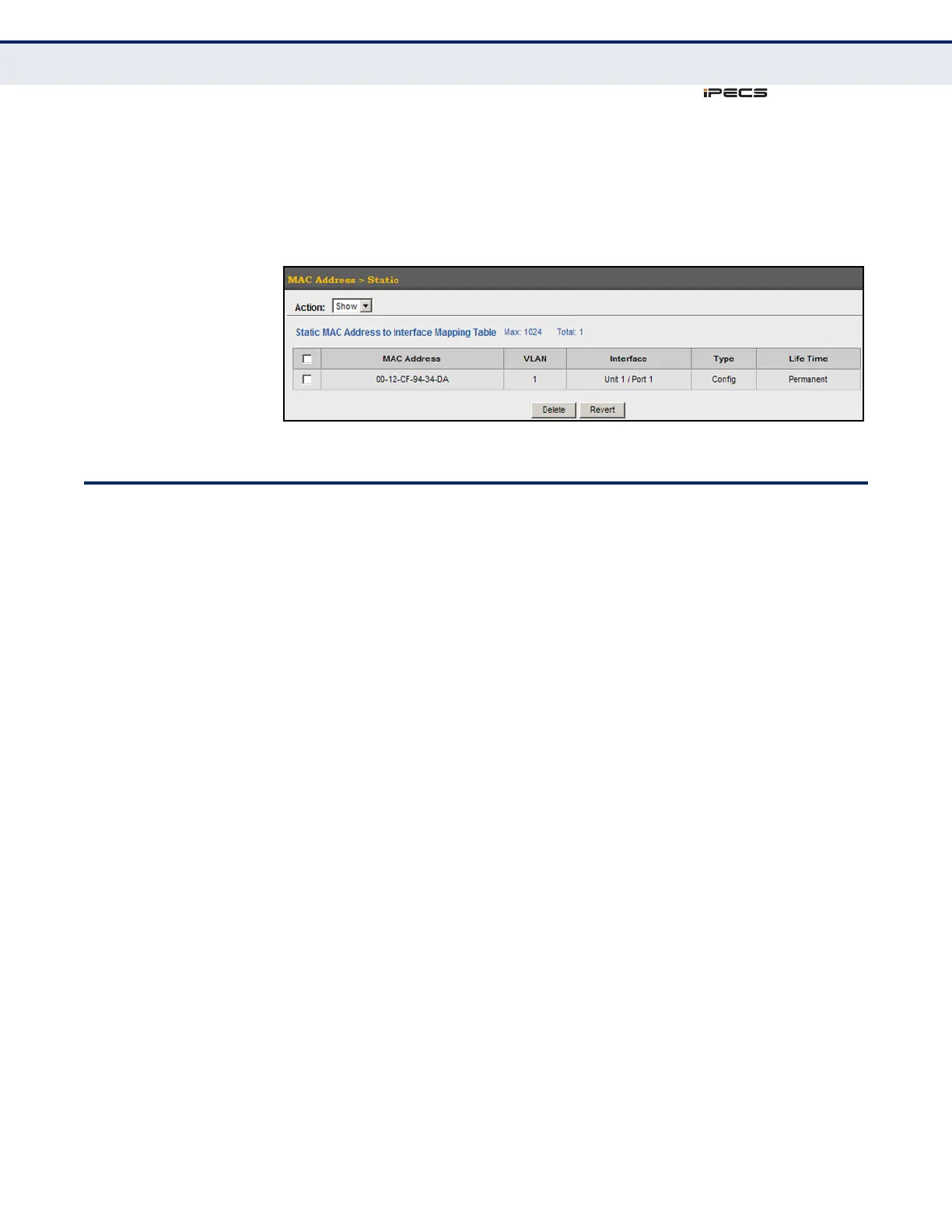
To show the static addresses in MAC address table:
1. Click MAC Address, Static.
2. Select Show from the Action list.
Figure 85: Displaying Static MAC Addresses
CHANGING THE AGING TIME
Use the MAC Address > Dynamic (Configure Aging) page to set the aging
time for entries in the dynamic address table. The aging time is used to
age out dynamically learned forwarding information.
CLI REFERENCES
◆ "mac-address-table aging-time" on page 811
PARAMETERS
These parameters are displayed in the web interface:
◆ Aging Status – Enables/disables the function.
◆ Aging Time – The time after which a learned entry is discarded.
(Range: 10-672 seconds; Default: 300 seconds)



 To Next Page