C
HAPTER
8
| Spanning Tree Algorithm
Configuring Global Settings for STA
– 213 –
WEB INTERFACE
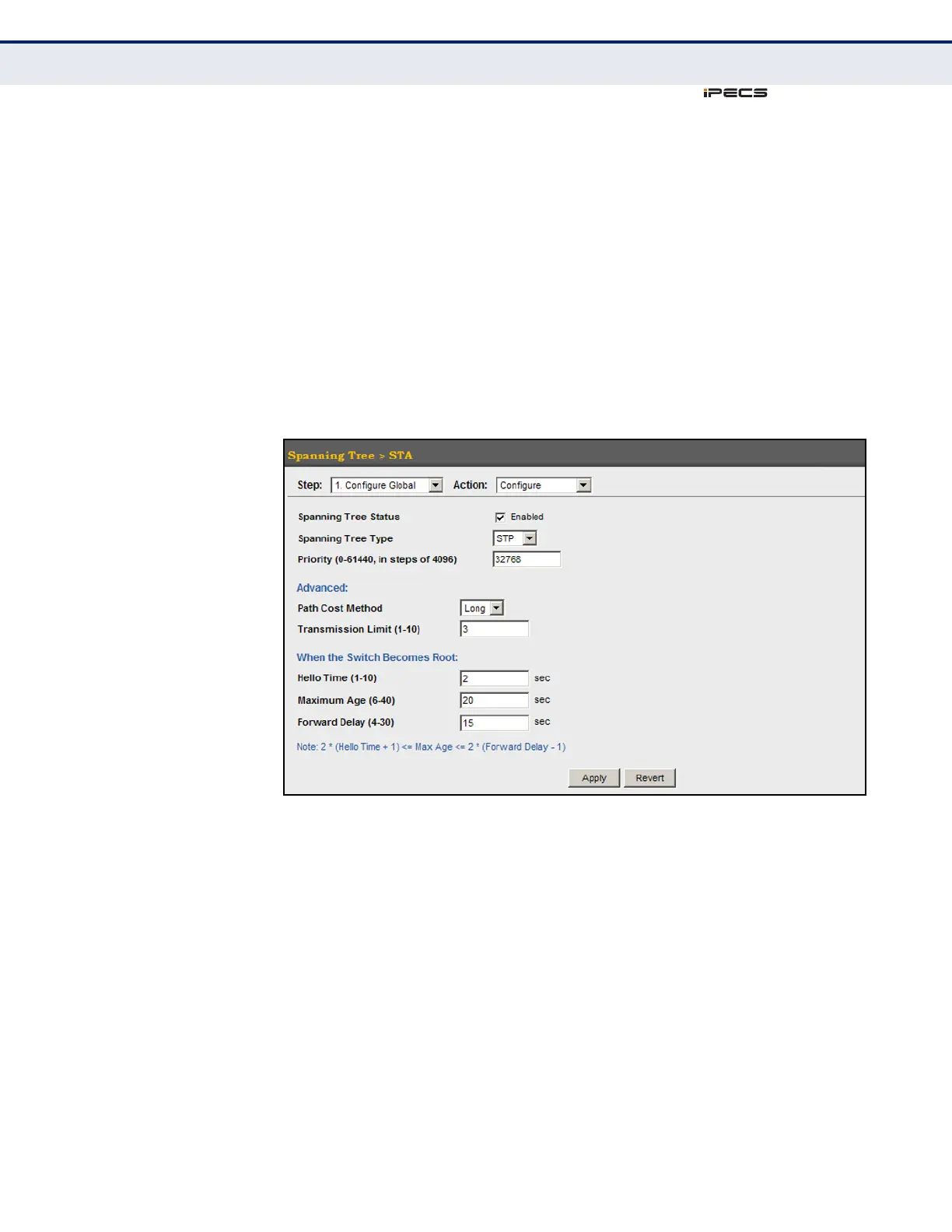
To configure global STA settings:
1. Click Spanning Tree, STA.
2. Select Configure Global from the Step list.
3. Select Configure from the Action list.
4. Modify any of the required attributes. Note that the parameters
displayed for the spanning tree types (STP, RSTP, MSTP) varies as
described in the preceding section.
5. Click Apply
Figure 95: Configuring Global Settings for STA (STP)



 To Next Page