C
HAPTER
10
| Class of Service
Layer 2 Queue Settings
– 247 –
WEB INTERFACE
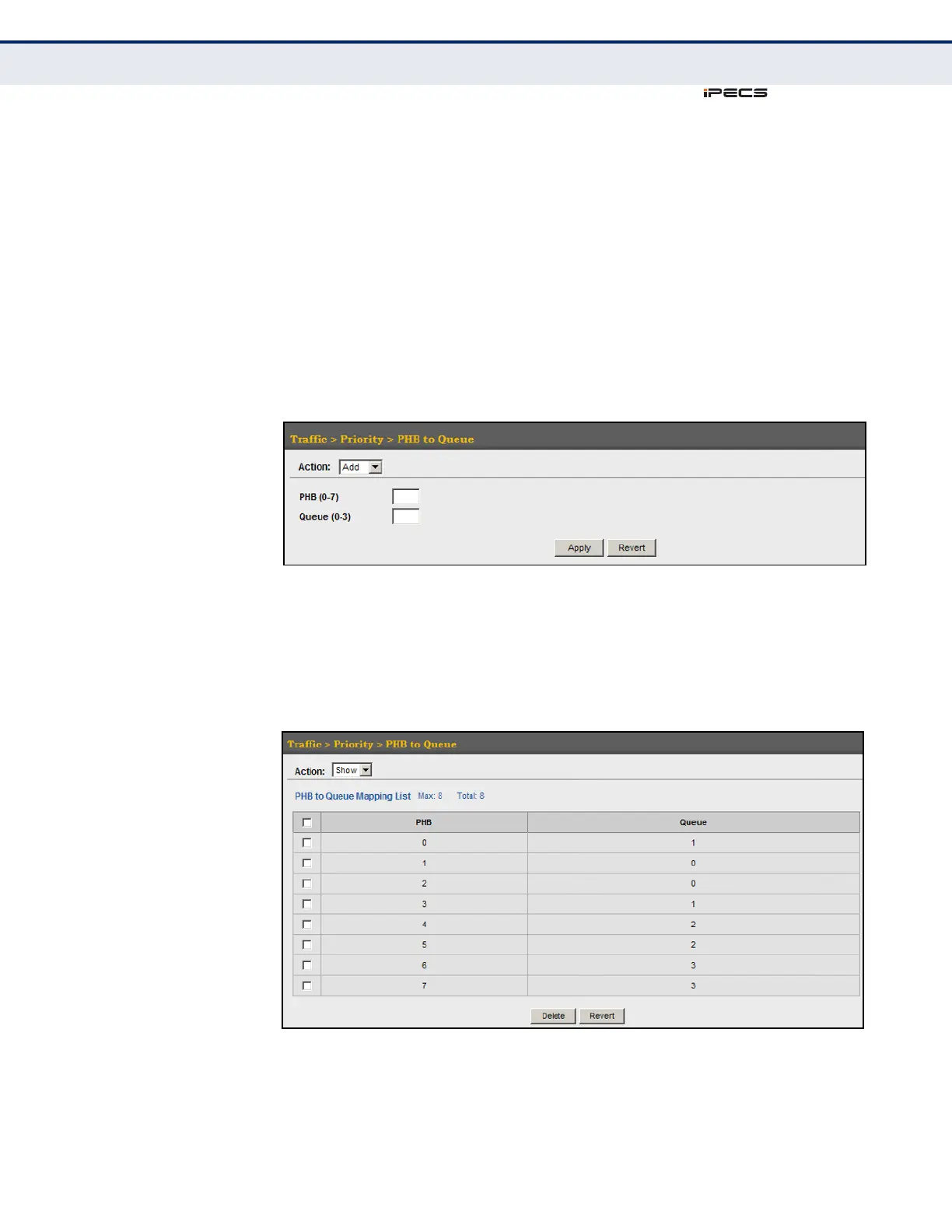
To map internal PHB to hardware queues:
1. Click Traffic, Priority, PHB to Queue.
2. Select Add from the Action list.
3. Map an internal PHB to a hardware queue. Depending on how an
ingress packet is processed internally based on its CoS value, and the
assigned output queue, the mapping done on this page can effectively
determine the service priority for different traffic classes.
4. Click Apply.
Figure 118: Mapping CoS Values to Egress Queues
To show the internal PHB to hardware queue map:
1. Click Traffic, Priority, PHB to Queue.
2. Select Show from the Action list.
Figure 119: Showing CoS Values to Egress Queue Mapping



 To Next Page