C
HAPTER
13
| Security Measures
AAA Authorization and Accounting
– 289 –
Show Information – Statistics
◆ User Name - Displays a registered user name.
◆ Accounting Type - Displays the accounting service.
◆ Interface - Displays the receive port number through which this user
accessed the switch.
◆ Time Elapsed - Displays the length of time this entry has been active.
WEB INTERFACE
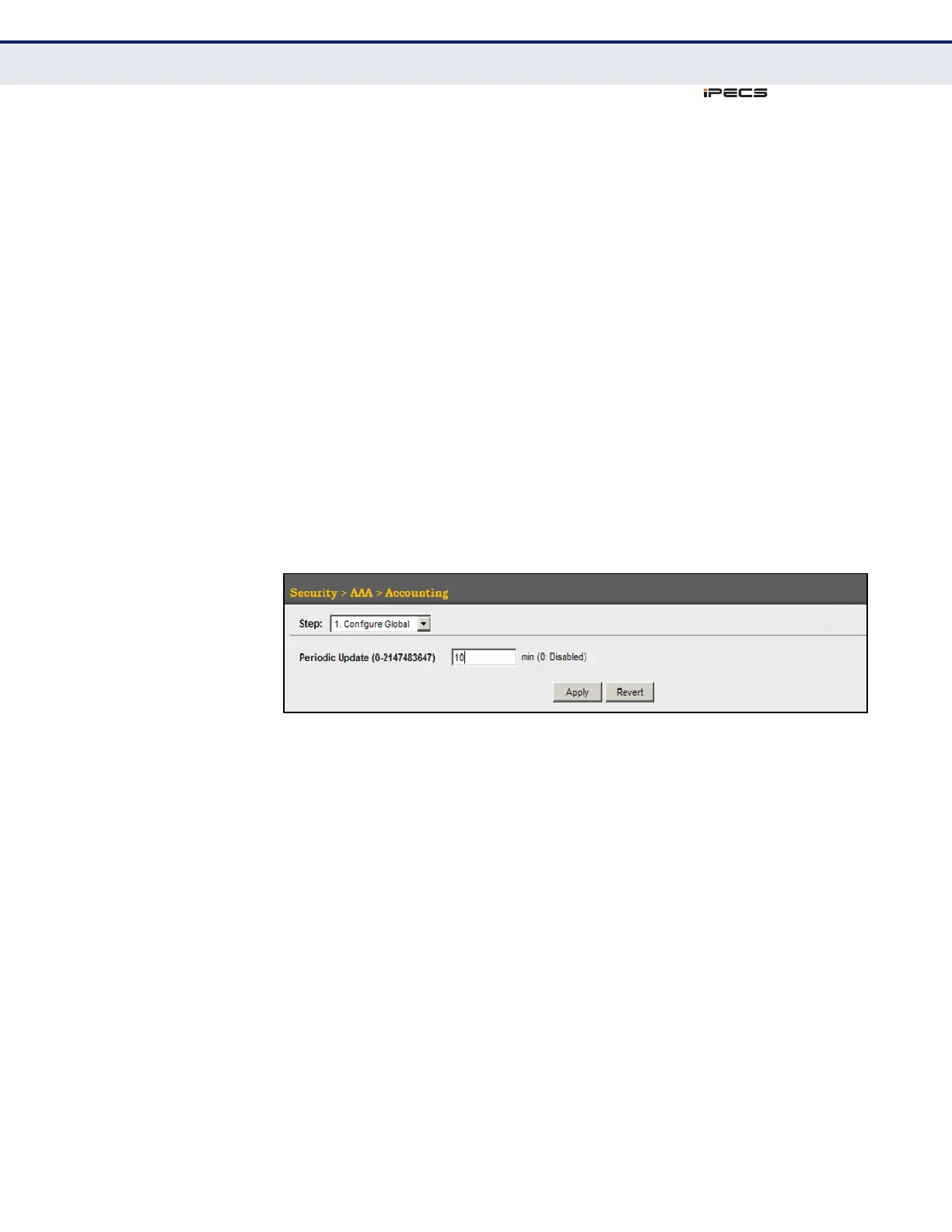
To configure global settings for AAA accounting:
1. Click Security, AAA, Accounting.
2. Select Configure Global from the Step list.
3. Enter the required update interval.
4. Click Apply.
Figure 144: Configuring Global Settings for AAA Accounting



 To Next Page