C
HAPTER
13
| Security Measures
Access Control Lists
– 332 –
WEB INTERFACE
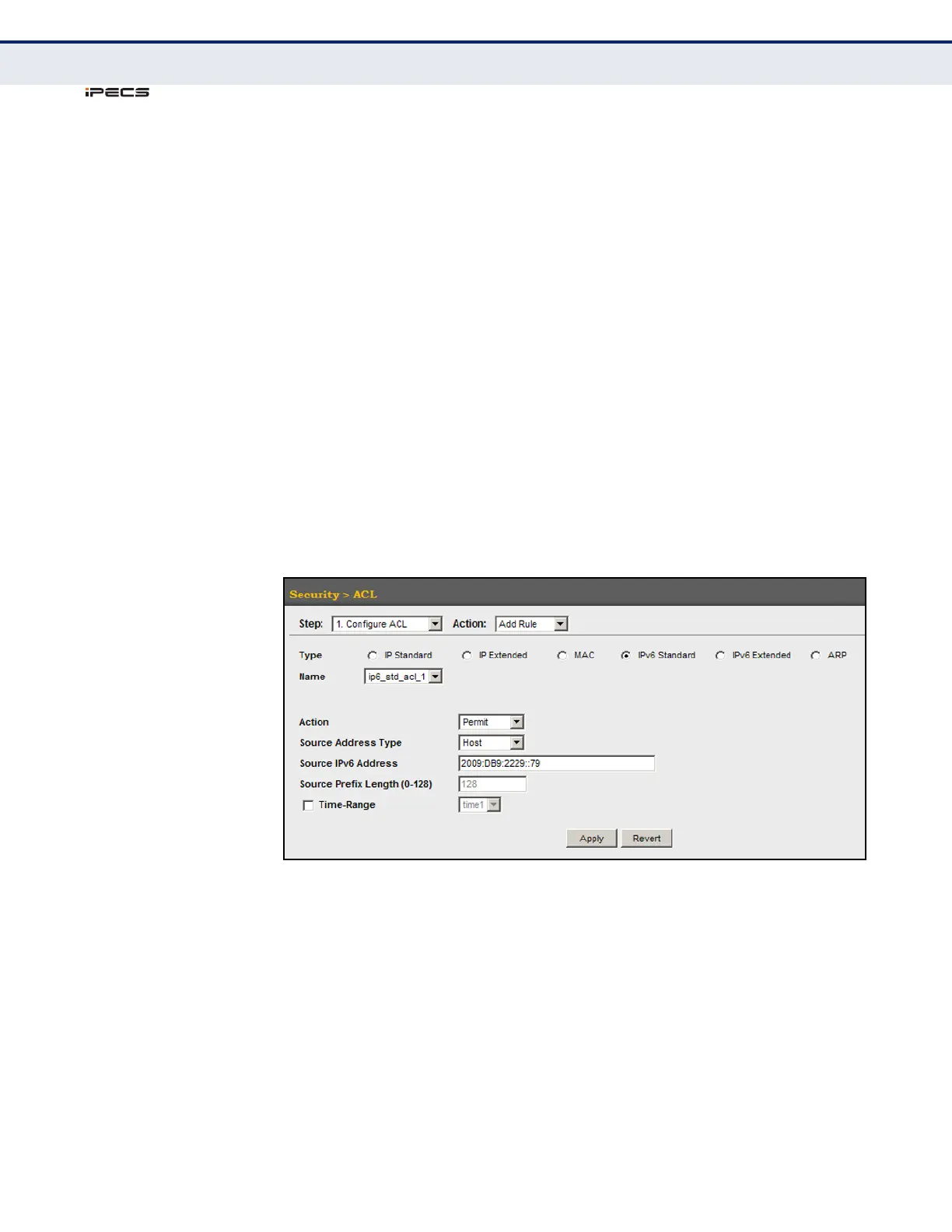
To add rules to a Standard IPv6 ACL:
1. Click Security, ACL.
2. Select Configure ACL from the Step list.
3. Select Add Rule from the Action list.
4. Select IPv6 Standard from the Type list.
5. Select the name of an ACL from the Name list.
6. Specify the action (i.e., Permit or Deny).
7. Select the source address type (Any, Host, or IPv6-prefix).
8. If you select “Host,” enter a specific address. If you select “IPv6-prefix,”
enter a subnet address and the prefix length.
9. Click Apply.
Figure 177: Configuring a Standard IPv6 ACL



 To Next Page