C
HAPTER
13
| Security Measures
ARP Inspection
– 345 –
WEB INTERFACE
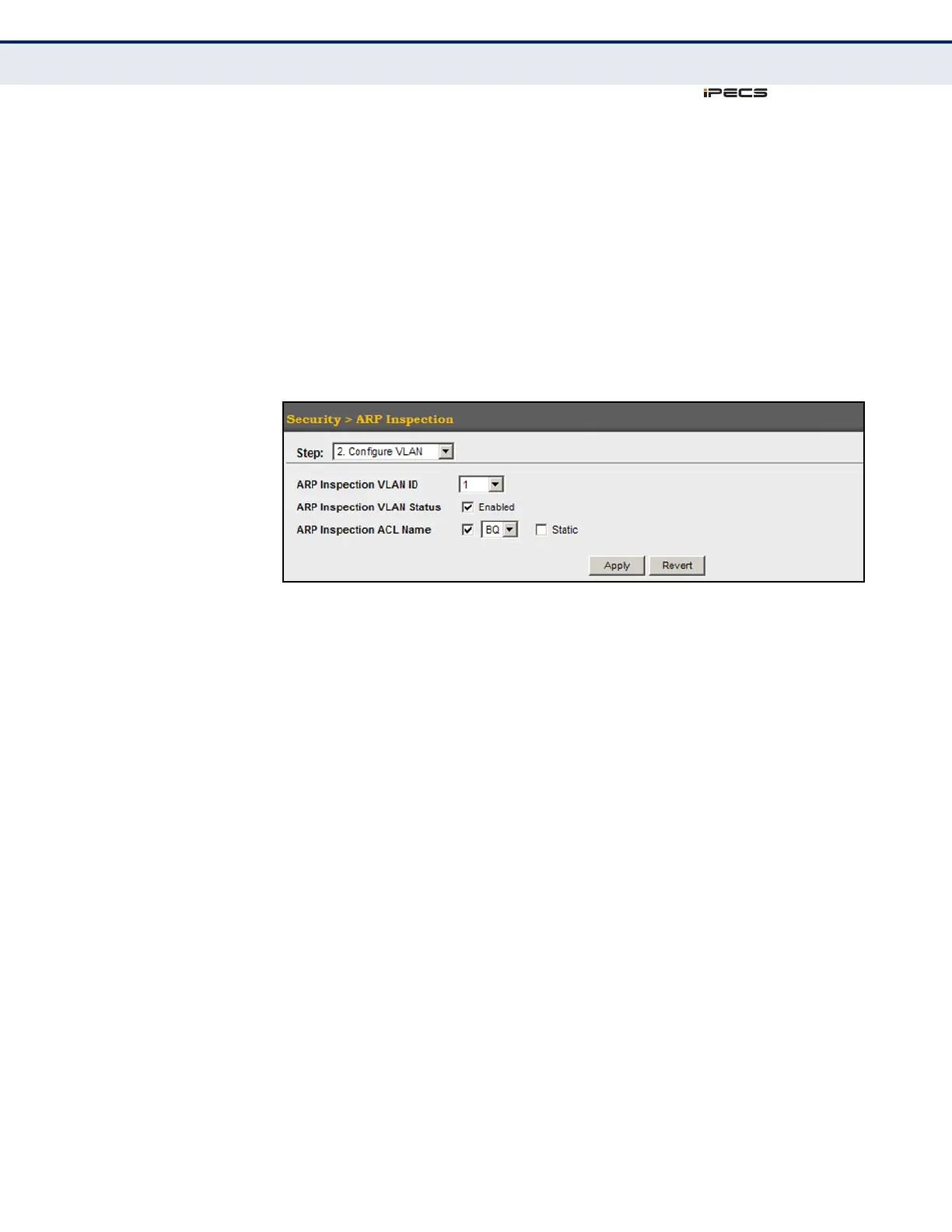
To configure VLAN settings for ARP Inspection:
1. Click Security, ARP Inspection.
2. Select Configure VLAN from the Step list.
3. Enable ARP inspection for the required VLANs, select an ARP ACL filter
to check for configured addresses, and select the Static option to
bypass checking the DHCP snooping bindings database if required.
4. Click Apply.
Figure 183: Configuring VLAN Settings for ARP Inspection
CONFIGURING
INTERFACE SETTINGS
FOR ARP INSPECTION
Use the Security > ARP Inspection (Configure Interface) page to specify
the ports that require ARP inspection, and to adjust the packet inspection
rate.
CLI REFERENCES
◆ "ARP Inspection" on page 711
PARAMETERS
These parameters are displayed in the web interface:
◆ Port – Port identifier.
◆ Trust Status – Configures the port as trusted or untrusted.
(Default: Untrusted)
By default, all untrusted ports are subject to ARP packet rate limiting,
and all trusted ports are exempt from ARP packet rate limiting.
Packets arriving on trusted interfaces bypass all ARP Inspection and
ARP Inspection Validation checks and will always be forwarded, while
those arriving on untrusted interfaces are subject to all configured ARP
inspection tests.
◆ Packet Rate Limit – Sets the maximum number of ARP packets that
can be processed by CPU per second on untrusted ports.
(Range: 0-2048; Default: 15)



 To Next Page