C
HAPTER
4
| Basic Management Tasks
Displaying Bridge Extension Capabilities
– 99 –
WEB INTERFACE
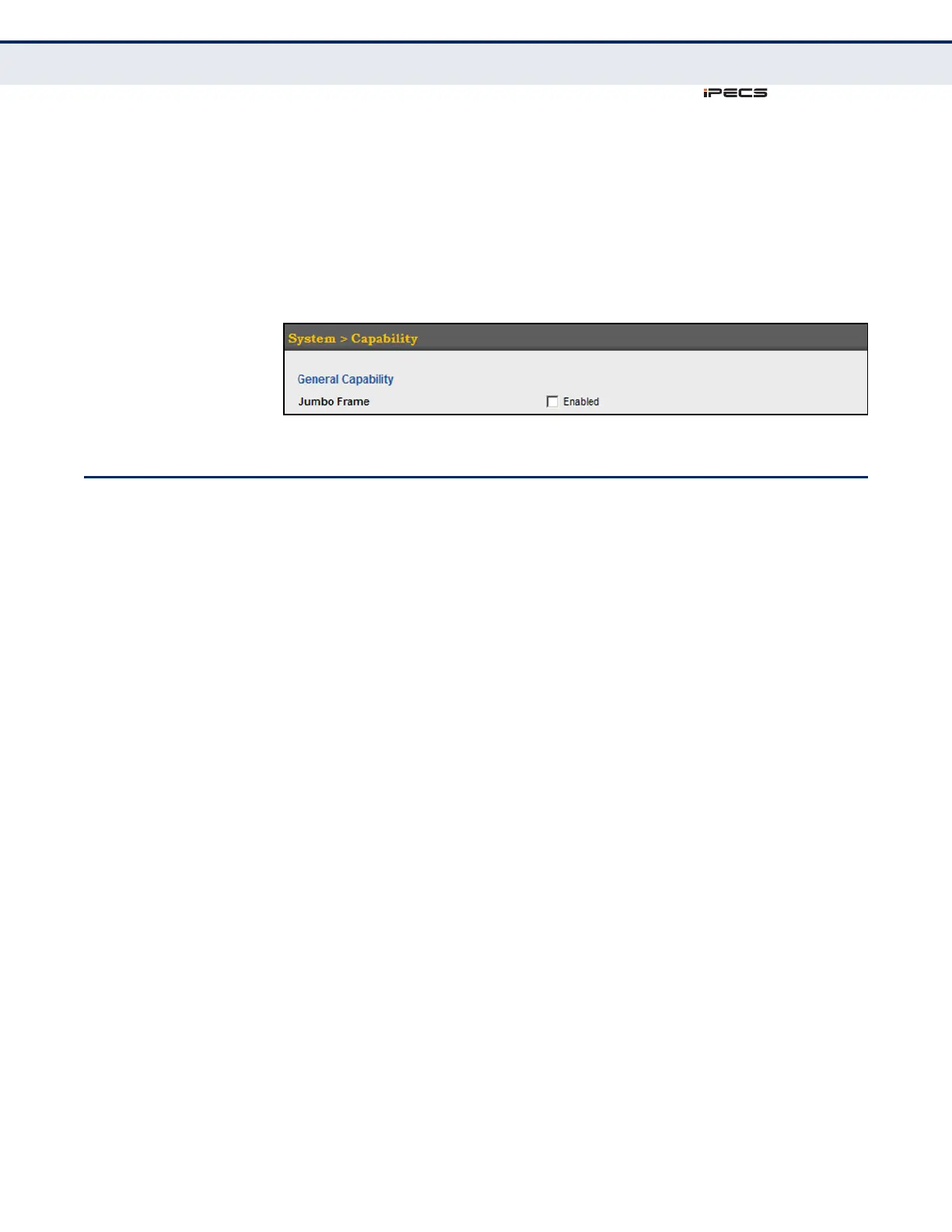
To configure support for jumbo frames:
1. Click System, then Capability.
2. Enable or disable support for jumbo frames.
3. Click Apply.
Figure 6: Configuring Support for Jumbo Frames
DISPLAYING BRIDGE EXTENSION CAPABILITIES
Use the System > Capability page to display settings based on the Bridge
MIB. The Bridge MIB includes extensions for managed devices that support
Multicast Filtering, Traffic Classes, and Virtual LANs. You can access these
extensions to display default settings for the key variables.
CLI REFERENCES
◆ "GVRP and Bridge Extension Commands" on page 844
PARAMETERS
The following parameters are displayed in the web interface:
◆ Extended Multicast Filtering Services – This switch does not
support the filtering of individual multicast addresses based on GMRP
(GARP Multicast Registration Protocol).
◆ Traffic Classes – This switch provides mapping of user priorities to
multiple traffic classes. (Refer to "Class of Service" on page 241.)
◆ Static Entry Individual Port – This switch allows static filtering for
unicast and multicast addresses. (Refer to "Setting Static Addresses"
on page 197.)
◆ VLAN Version Number – Based on IEEE 802.1Q, “1” indicates Bridges
that support only single spanning tree (SST) operation, and “2”
indicates Bridges that support multiple spanning tree (MST) operation.
◆ VLAN Learning – This switch uses Independent VLAN Learning (IVL),
where each port maintains its own filtering database.
◆ Local VLAN Capable – This switch does not support multiple local
bridges outside of the scope of 802.1Q defined VLANs.



 To Next Page