11
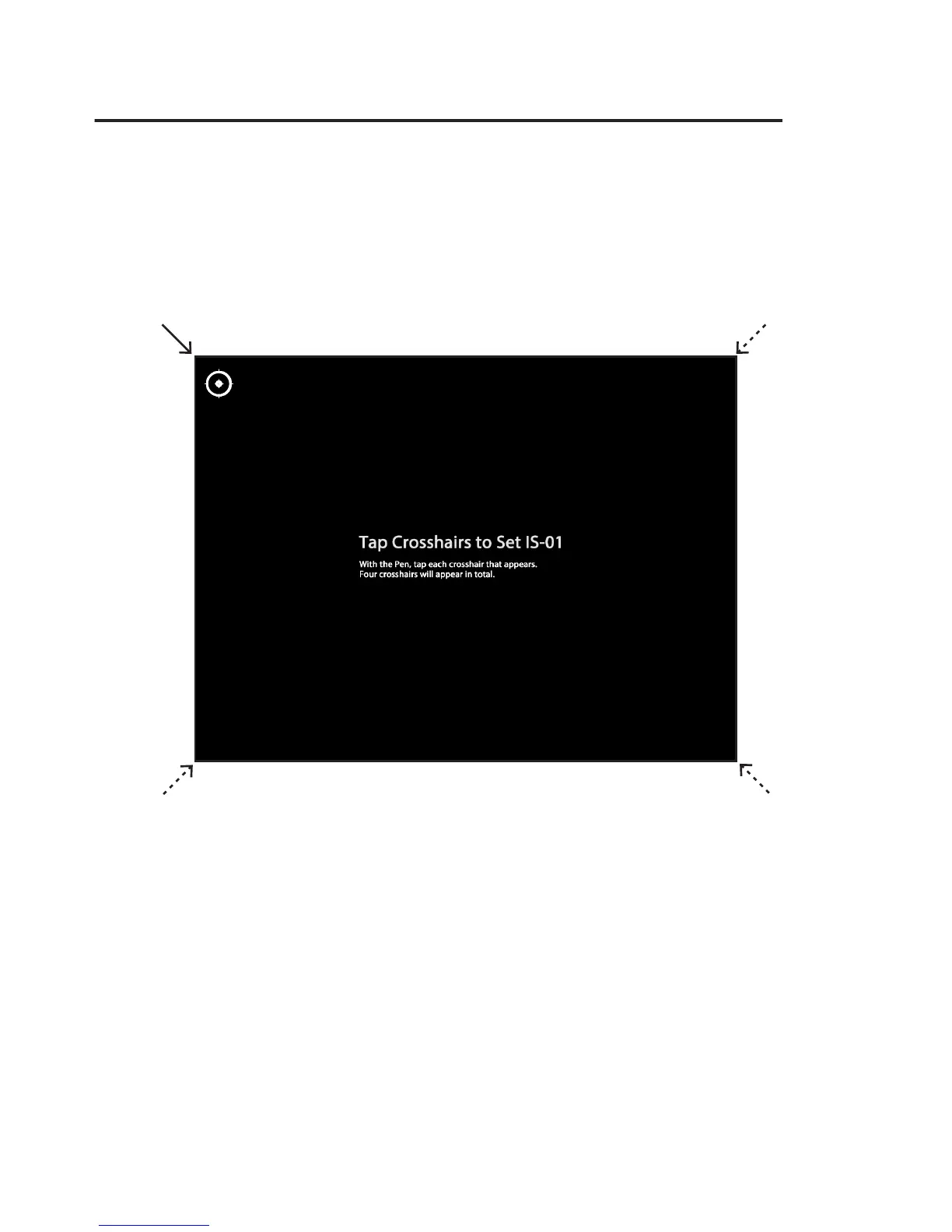
Step 2: Accuracy Check
With the Pen, tap the center of each red crosshair that appears. Four crosshairs
will appear in total. You MUST tap all four in turn. Failing to do so may impair
Pen accuracy.
Step 3: Calibration Completed
After the process you will be returned to your desktop and your IS-01 will be ready for use.
Sensor Cam Position Diagnosis
If you nd the pen trace dithering or inaccurate after the initial calibration, your
Sensor Cam may need further adjustment. Please run the Sensor Cam Position Diagno-
sis and reposition the Sensor Cam according to the suggestions given.
This diagnostic tool is located in:
Windows:
Start Menu -> Program Files -> IPEVO IS-01 -> Sensor Cam Position Diagnosis
Mac:
Application folder -> IPEVO IS-01 -> Sensor Cam Position Diagnosis



 To Next Page