10
6. Calibration
IS-01 must be calibrated before use to ensure accurate operation. This process
only takes a couple of steps.
The calibration application appears the rst time the Sensor Cam is connected to
the computer. Use the Interactive Pen and follow the instructions on screen (and
reprinted below) to complete the calibration.
Any time after the rst time that you wish to calibrate, execute the following le:
PC: Start Menu -> Program les -> IPEVO IS-01 -> Calibration
Mac: Application folder -> IPEVO IS-01 -> Calibration
Note: the Interactive Pen must have batteries and be switched on for calibration and operation.
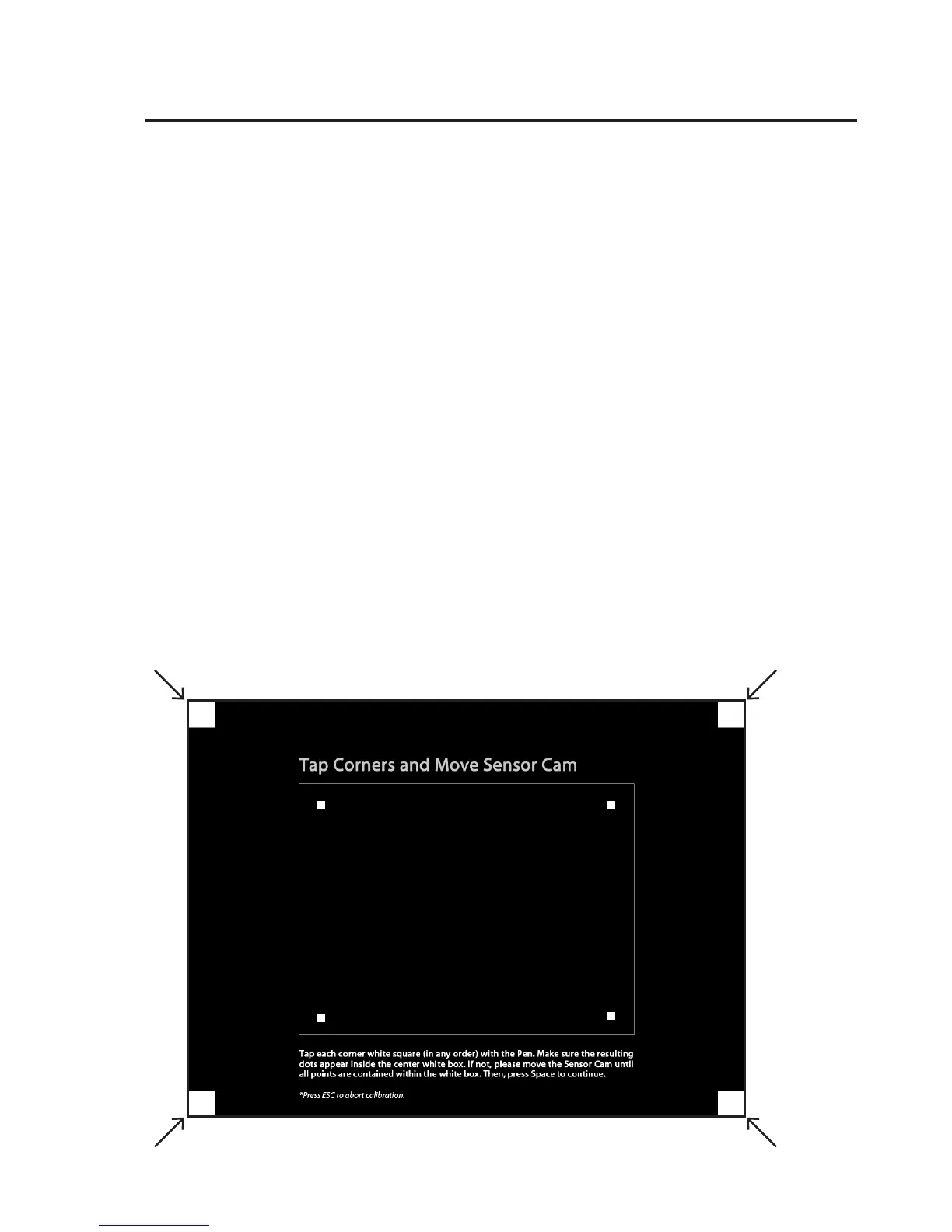
Step 1: Sensor Cam Coverage Detection
Tap each corner white square (in any order) with the tip of the Interactive Pen.
Make sure the resulting dots appear inside the center white box. If not, please
move the Sensor Cam until all points are contained within the white box. Then,
press Space to continue.
Calibration Steps
Installing It (cont’d)



 To Next Page