Using It
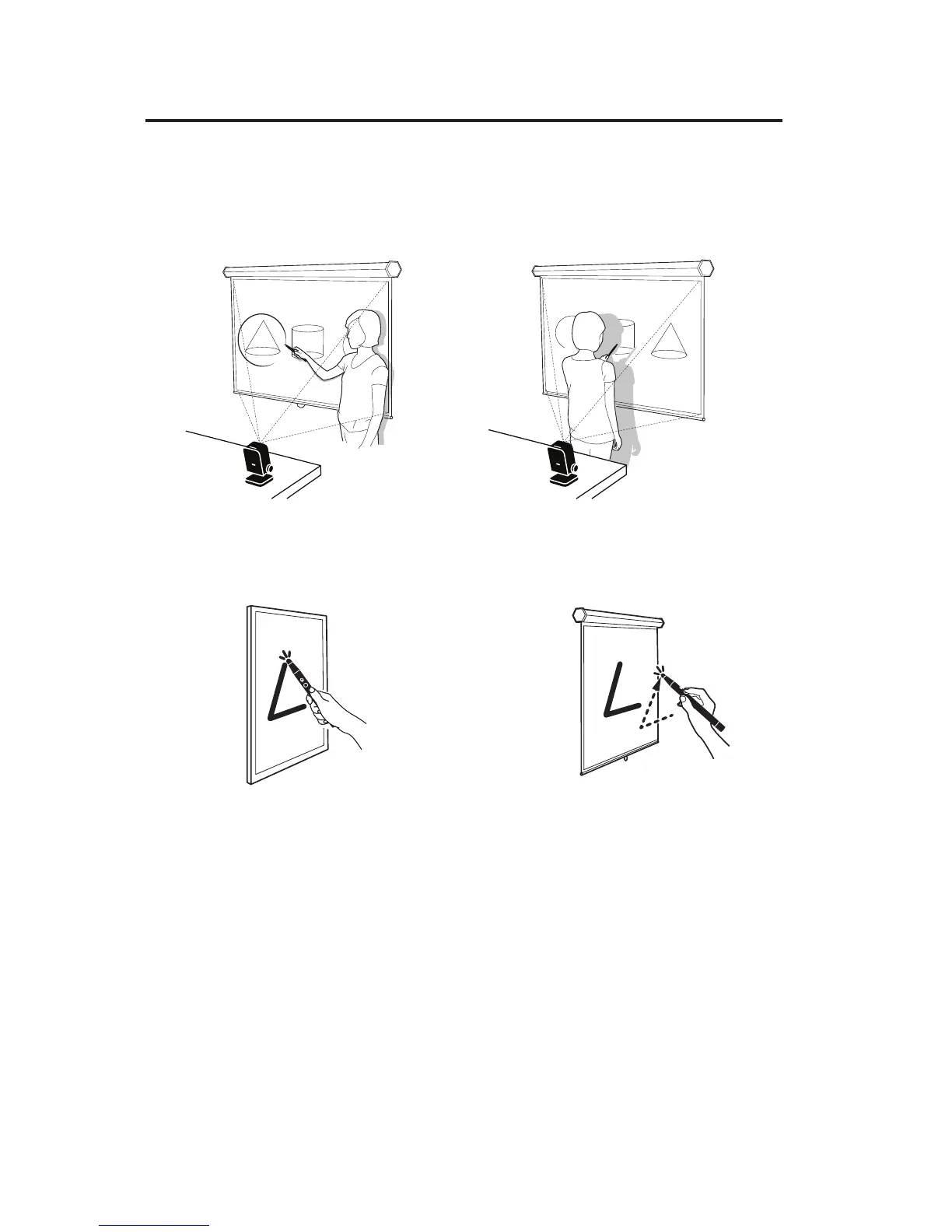
Controlling cursor movement
Simply move the pen in front of the screen area, being careful not to block the
Pen’s path to the Sensor Cam with your body. The mouse cursor will follow the
Pen’s movement in real time.
Controlling the computer and applications
Mouse clicks can be performed both within the operating system and in a
wide variety of software applications. To do so, use either of two methods:
A variety of mouse controls are possible using these methods:
Left click: Tap the tip onto the surface, or press the IPEVO button once.
Double click: Quickly tap the tip onto the surface twice, or press the IPEVO
button twice.
Right click: Press and hold the tip onto the surface, or press and hold the
IPEVO button. Hold for at least 2 seconds.
Click and drag: Press and hold the tip onto the surface, or press and hold the
IPEVO button. While doing so, move the pen to the desired spot.
Touch the contact-sensitive Pen tip
onto the screen surface.
Press the green button.
Bad
Good



 To Next Page