13
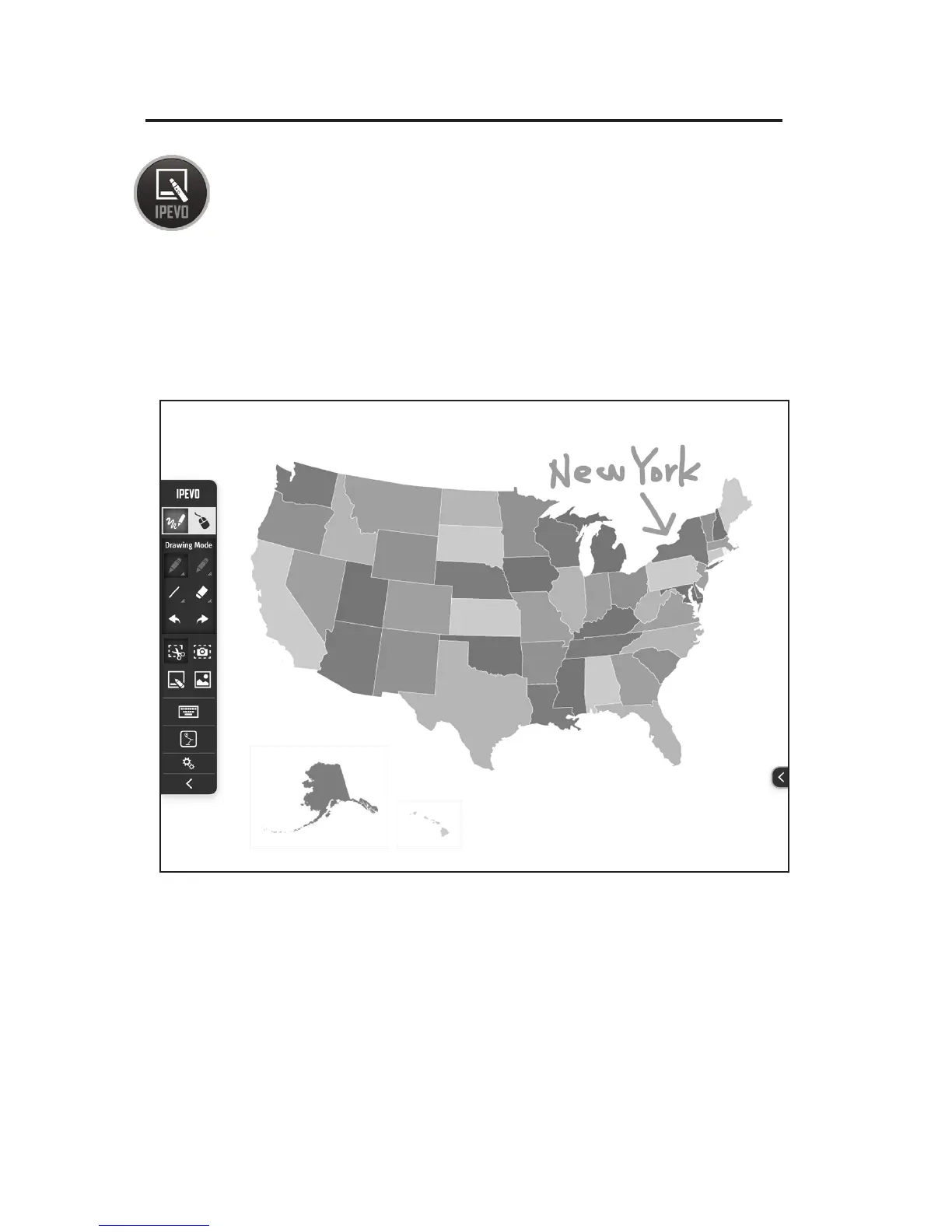
Using IPEVO Annotator Software
IS-01 comes with IPEVO Annotator, a program which can be used
in combination with any other software/application. You can draw,
write and annotate onto images on the screen. Or, you can create a
blank whiteboard to turn your projector screen into an interactive
whiteboard.
After calibrating IS-01, you can start IPEVO Annotator by navigating to:
Windows: Start Menu -> Program Files -> IPEVO IS-01 -> IPEVO Annotator
Mac: Application Folder -> IPEVO IS-01 -> IPEVO Annotator
IPEVO Annotator
Software
IPEVO Annotator
Software Screenshot



 To Next Page