9
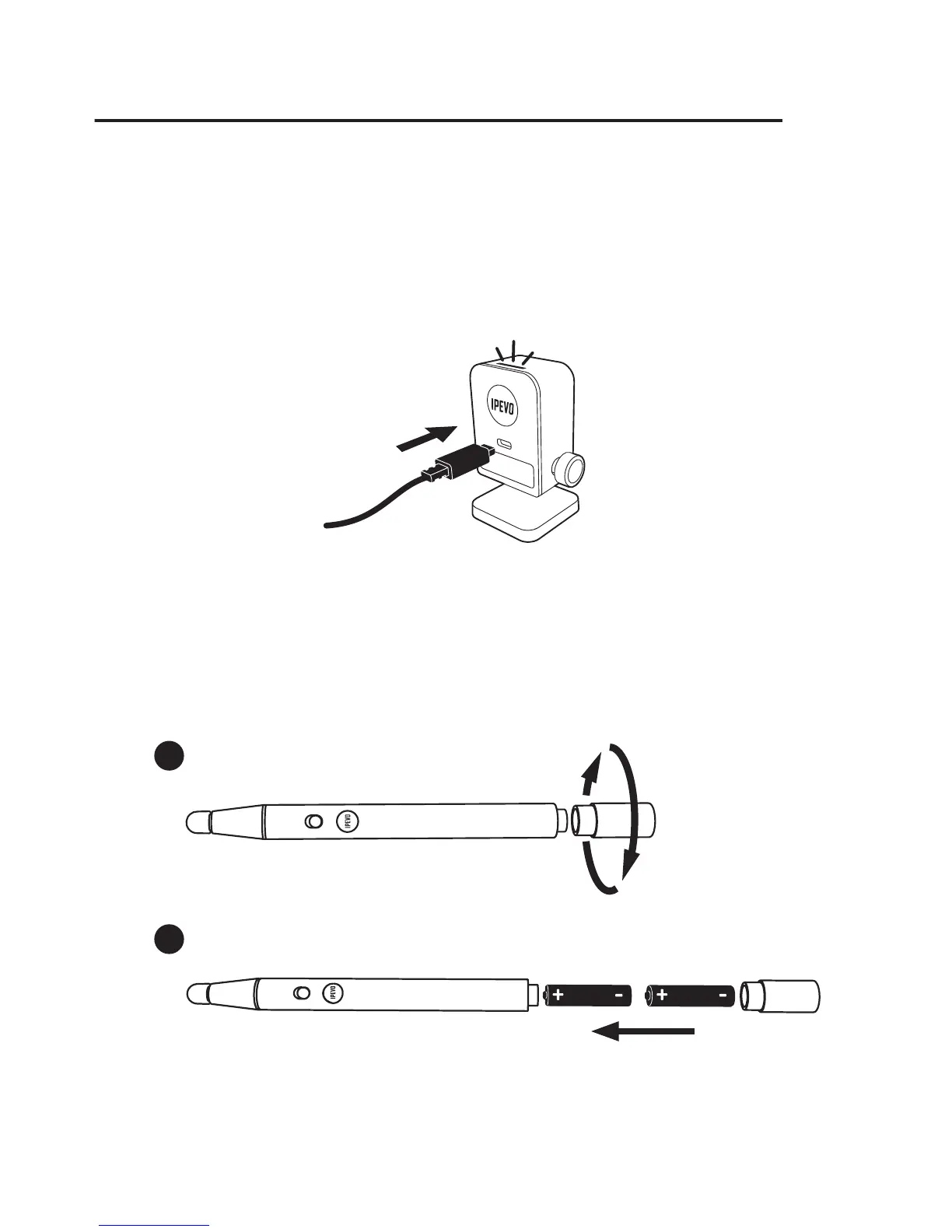
Remove the battery cover from the Interactive Pen and insert 2 AAA batteries.
Replace the cover. Turn on the pen when ready to use.
4. Connecting to the Computer
5. Readying the Interactive Pen
Connecting to the computer
Once you’ve placed and secured the Sensor Cam, connect it to your computer
using the included USB cable. The Sensor Cam LED indicator will light up
once connected.
1
2



 To Next Page