8
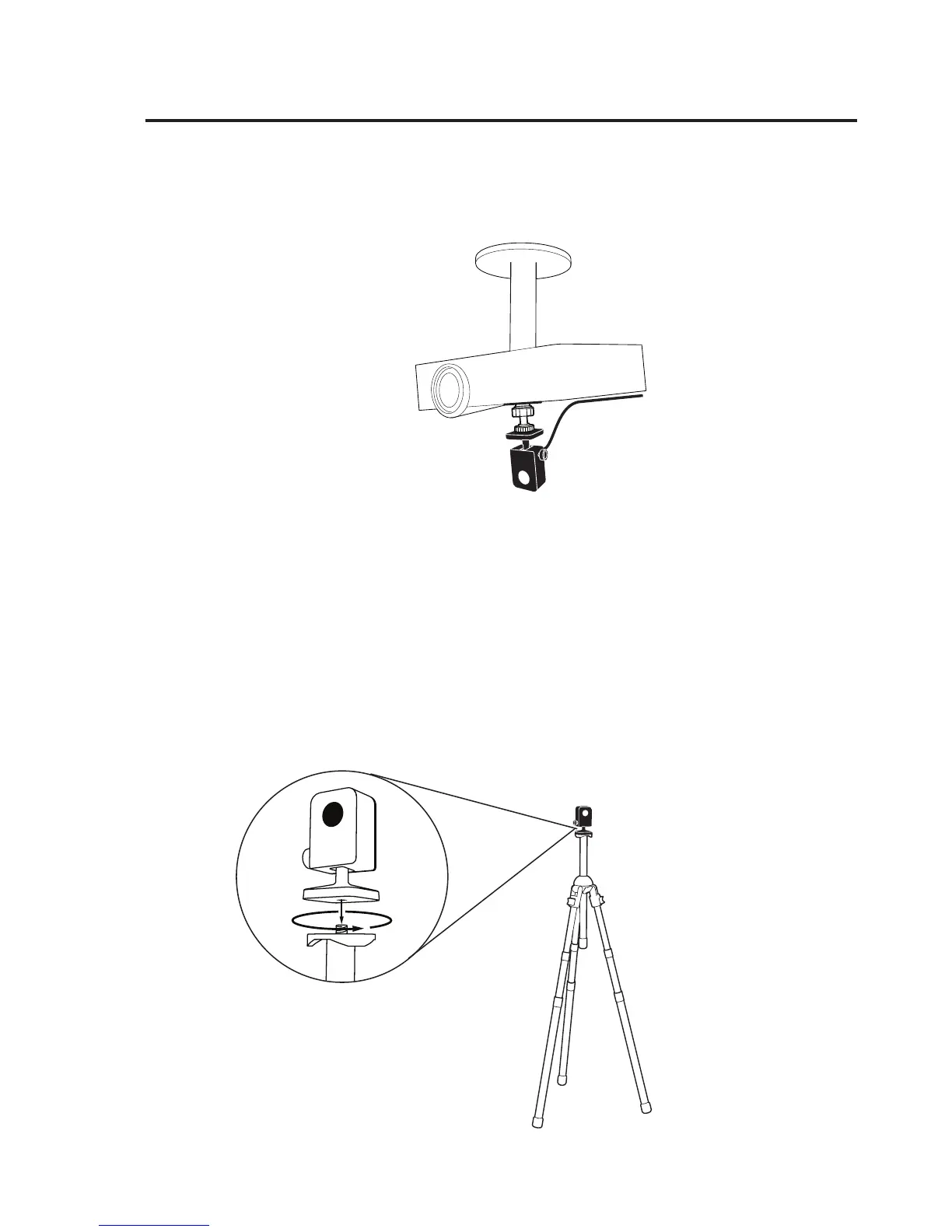
3. Ensure the mounting surface is clean and free of grit. Remove the sticker
from the bottom of the ceiling mount, and afx the ceiling mount rmly
onto the mounting surface.
Note: The sticker of Ceiling Mount is extremely adhesive and should only be applied once.
The Sensor Cam can be detached without removing the Ceiling Mount. Simply unscrew the
Sensor Cam from the Ceiling Mount.
C. Using a tripod
The Sensor Cam comes with a built-in tripod mount. Consider mounting the
Sensor Cam onto any standard tripod.
Installing It (cont’d)



 To Next Page