14
IPEVO Annotator Software (cont’d)
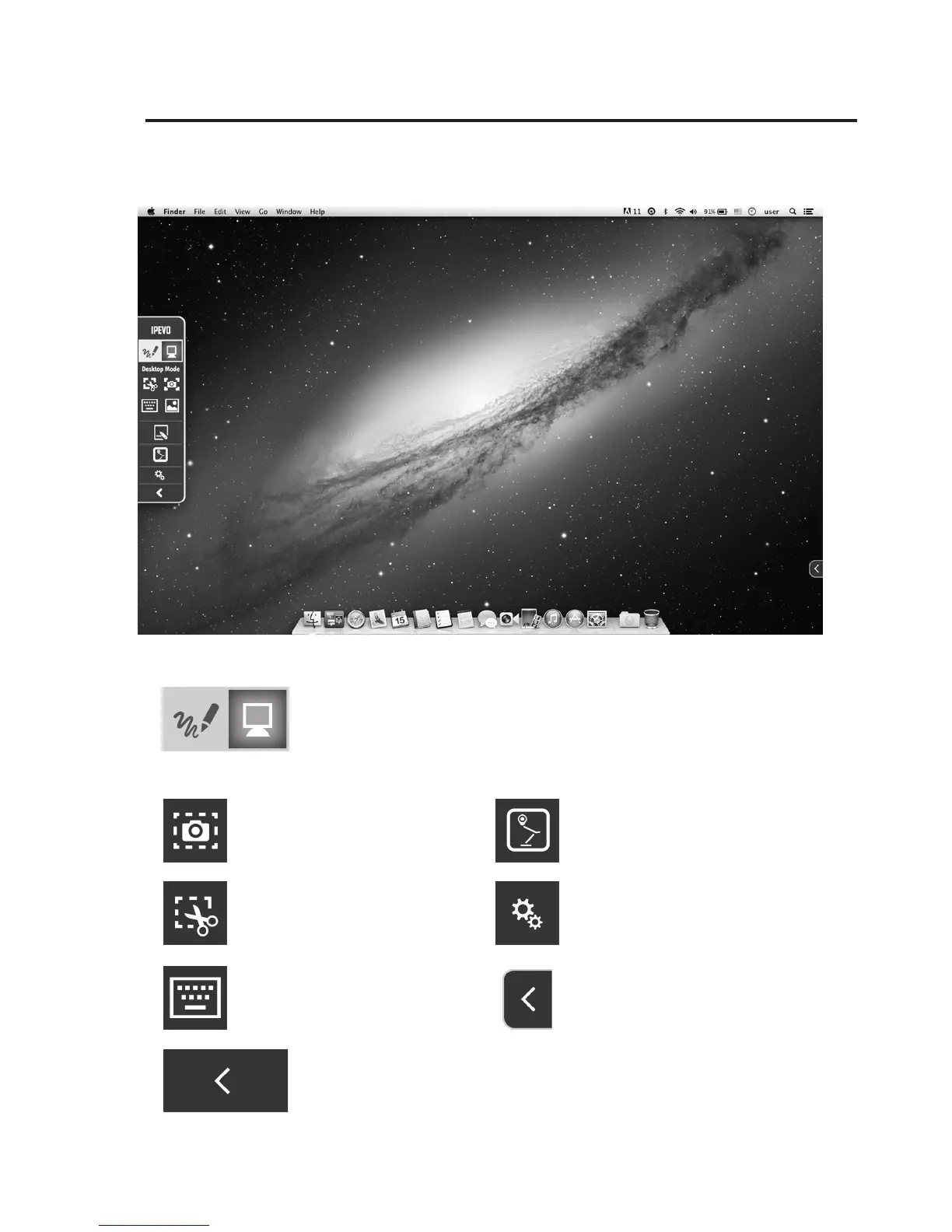
Click the Computer icon to select Desktop Mode
Desktop Mode
Display a touchscreen
keyboard
Save part of your current
screen as an image
Hide the toolbar
For more specic
instructions, click the
Settings icon
Clicking the small reverse
arrow on either side of the
screen will show the toolbar
again on that side
Save all of your current
screen as an image
Use your connected IPEVO
doc cam’s live feed as your
background



 To Next Page