17
C. Perform right click
Press and hold the contact-sensitive Pen tip onto the screen surface, or
press and hold the IPEVO button. Hold for at least 2 seconds.
D. Perform double click
Quickly tap the contact-sensitive Pen tip onto the screen surface twice,
or press the IPEVO button twice.
E. Click and drag
Press and hold the contact-sensitive Pen tip onto the screen surface, or
press and hold the IPEVO button. While doing so, move the Interactive
Pen to the desired spot.
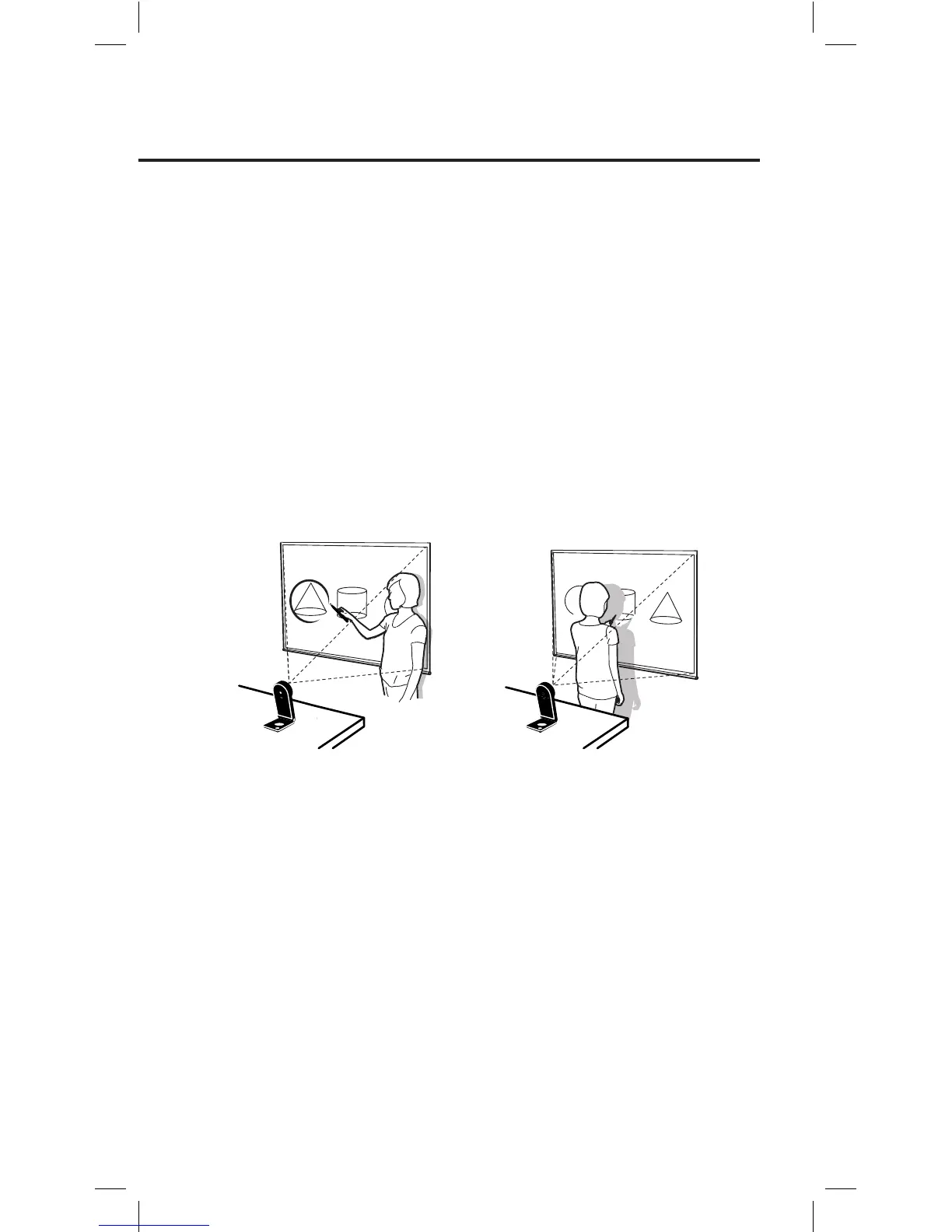
Bad
Good
Note: While using the Interactive Pen, please be careful not to block the Pen’s path to the
Sensor Cam with your body as it may affect Pen accuracy.



 To Next Page