2
Use the Interactive Pen as a Computer Cursor
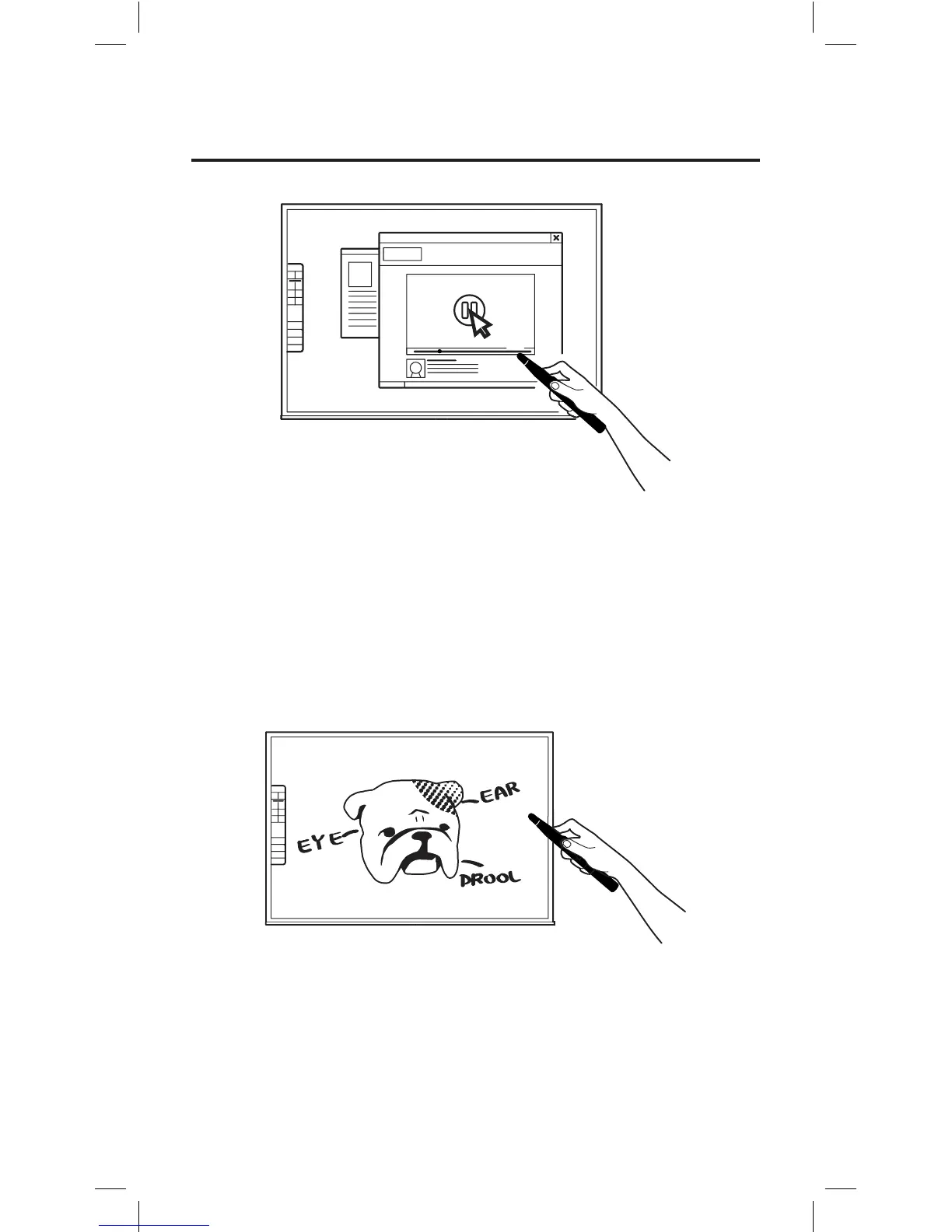
The Interactive Pen can behave like a mouse, transforming any surface
into a touchscreen. Use the Pen to intuitively perform the actions you’d
normally use your mouse to perform.
Note: The Interactive Pen can perform normal mouse actions including click, double click,
and drag. However, some actions are not executable with the Pen, such as hovering.
Annotate Your Text and Images
Using the free screen annotation software IPEVO Annotator, you can
draw and write directly on your interactive whiteboard. You can even
draw on top of your document camera’s live video feed. Engage your
audience and clarify your material.
Two Ways to Use IW2



 To Next Page