13
6. Calibration
IW2 must be calibrated before use to ensure accurate operation. This
process only takes a couple of steps. Please make sure that the LED indi-
cator of the Sensor Cam shows a solid Green before you proceed with the
calibration process.
IW2 requires IPEVO IW Driver to function. If you have not previously
installed IW Driver, please refer to Page 6 for the downloading and
installation instructions.
To start the calibration process, follow these steps:
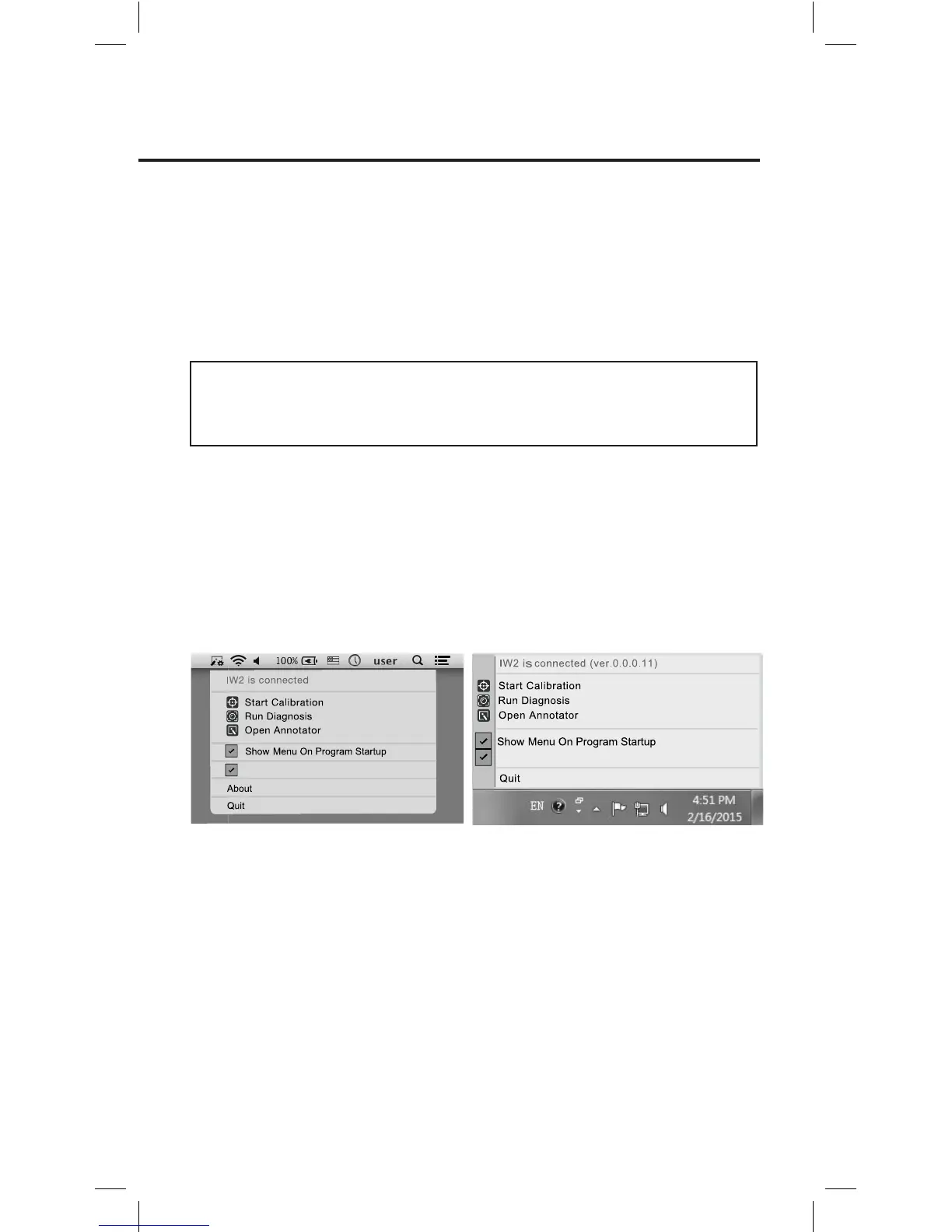
You can disable auto pop up of the menu and/or auto startup of IW Driver
by unchecking the respective boxes in the menu.
Run IW Driver On Startup
Run IW Driver On Startup
PC and Mac:
Click on the IW Driver icon located in the task bar or status bar. Choose
“Start Calibration” in the menu.
Note: The Interactive Pen must have batteries and be switched on for calibration and operation.



 To Next Page