14
Installing IW2 (cont’d)
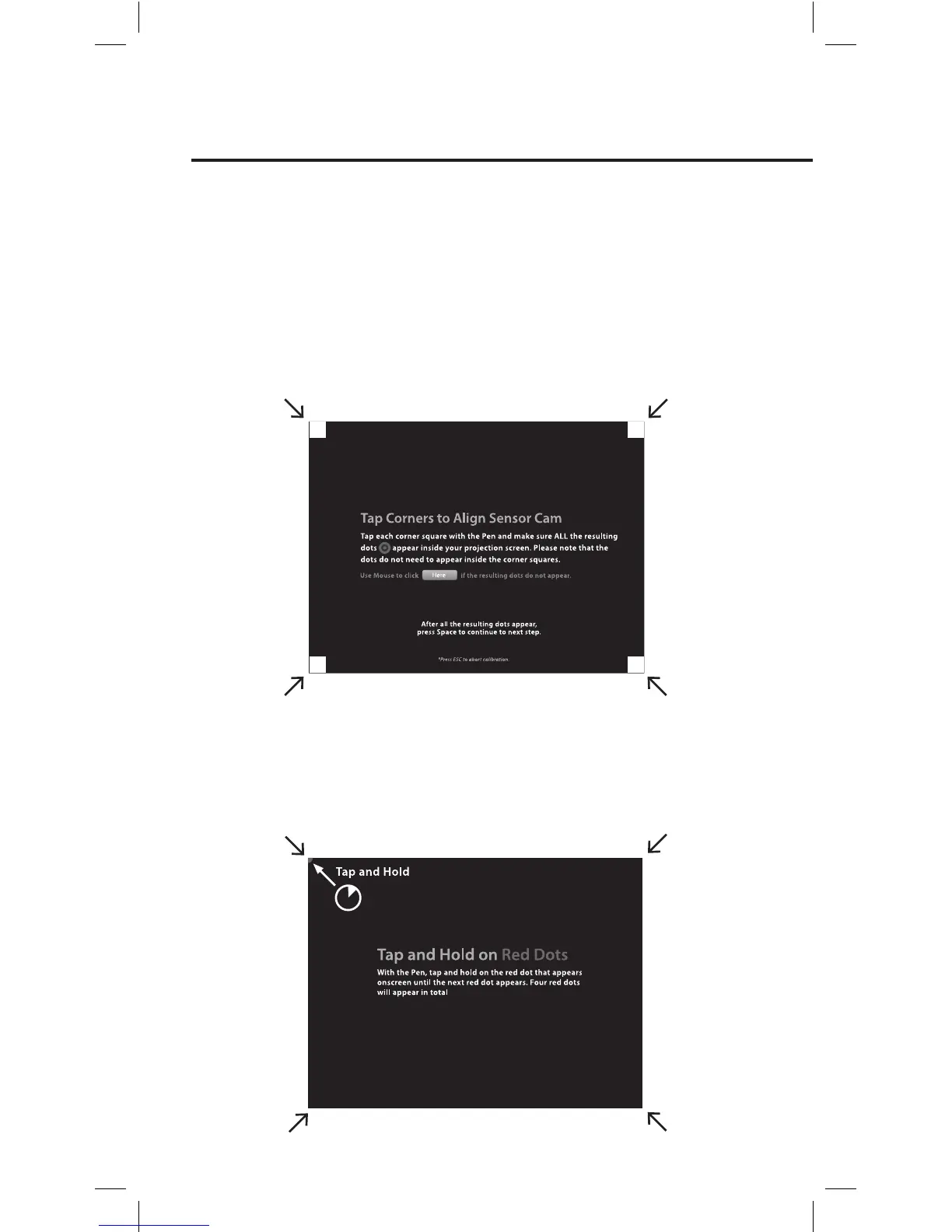
Step 2: Accuracy Check
With the Pen, tap and hold on the red dot that appears onscreen until the next
red dot appears. Four red dots will appear in total. You MUST tap all four in
order. Failing to do so may negatively impact Pen accuracy.
Calibration Steps
Step 1: Sensor Cam Coverage Detection
Tap each corner square (in any order) with the Interactive Pen and make
sure ALL the resulting dots appear inside your projection screen. However,
do note that the dots do not need to appear inside the corner squares. If the
resulting dots are not contained within the projection screen, please follow the
instructions onscreen to reposition the Sensor Cam.



 To Next Page